
A crypto card with broad country coverage and a price sheet that nobody can pin down
 Available in US
UPay sells itself as a crypto card that works in more than 180 countries, accepts BTC, ETH, USDT and USDC, and lets you spend from a phone wallet, a virtual card or a physical one linked to Apple Pay, Google Pay or Samsung Pay. The marketing is confident. The fee schedule is not. UPay’s own card and home pages leave almost every number blank: how much the card costs to issue, what you pay to top it up, what you pay when you spend in a foreign currency, and how much you can pull from an ATM. Third-party sites have published figures, but they disagree, and the card issuer is not named publicly, so the whole price story sits on shaky ground.
I spent time with UPay’s public pages, the Sumsub KYC flow it points to, the Trustpilot reviews that are actually there, and the user reports that have surfaced in 2026. The short version: the card covers a lot of ground geographically, it does the everyday things a card should do, and it sits inside a company whose published licences (MSB, MSO, VASP In-Principle Approval) suggest some regulatory scaffolding, but whose fee transparency and customer support do not yet match the ambitions of the marketing.
Conditions are current as of October 28, 2026.
Verdict
UPay scores 6.1 out of 10 in my reading. Strengths: very wide country coverage, a smooth everyday experience (virtual or physical card, mobile wallets, ATM access), and a workable coin list (BTC, ETH, USDT, plus USDC). Weaknesses: an almost total absence of published fees, a complaint pattern around frozen accounts and false PEP flags, and an identity that is hard to pin down (issuer bank and card network are not stated on the public pages).
This is a card for a wallet user who already has BTC, ETH or USDT and wants to convert and spend without setting up a bank account in a new country. It is not for someone who needs to know the exact cost of a coffee before they buy it, or who wants a card backed by a clearly named bank and a published fee schedule.
| Criterion | Mark | Why it lands there |
|---|---|---|
| Who can get it | 8 / 10 | Claims support in 180+ countries with a short exclusion list, but the actual country list is not published |
| Cost | 4 / 10 | Almost no fees disclosed on official pages; third-party figures conflict and cannot be confirmed |
| Top-up options | 6 / 10 | BTC, ETH, USDT and USDC accepted, but the deposit networks are not named |
| Reliability and complaints | 4 / 10 | Mixed Trustpilot feedback with reports of frozen accounts, false PEP flags, and an unnamed card issuer |
| Everyday use | 9 / 10 | Virtual and physical cards, Apple Pay, Google Pay, Samsung Pay, ATM access, and a spending app on all three stores |
| Total | 6.1 / 10 | Broad reach and a clean daily experience, undermined by missing fee data and a complaint pattern that has not been put to bed |
Who will they give you the card
UPay markets itself to anyone who has trouble opening an ordinary bank account, and it does so by leaning hard on geographic reach. The card page claims support in 180+ countries, and a third-party report (Finbold, 20 July 2026) describes “over 150 countries” with the US, Germany, France, Argentina and Canada named as examples. A different third-party site (TechBullion, undated) says “at least 168 countries.” The exact number is not something the card’s own pages confirm.
The card page does say, plainly, that UPay does not serve residents of certain countries, and that the list may change as regulatory and issuer policies shift. The excluded countries are not published. There is no public roster of where you can and cannot apply, which means you only find out whether you qualify by starting the application.
KYC is done through Sumsub, a well-known identity-verification vendor. According to UPay’s own pages, the check takes 5 to 10 minutes, and the KYC partner only accepts ID documents issued by the same country as the user. A third-party write-up (cryptocards.so, undated) describes a lighter KYC for the Stellar virtual card: email, phone and an identity document, with no proof of address and no selfie. That is the only KYC level the public pages describe; there is no mention of a tiered system, and no statement of the rejection reasons that lead to refusal.
A few practical points to weigh before you start:
- The exclusion list is private. If you are in a country the issuer has decided not to serve, you will not know until you try.
- ID must come from the same country you claim to be in. A Palau or Estonian digital-residency ID, for example, has been turned down in the one public Trustpilot review on upay.com.
- The minimum age, proof-of-address requirement and other tier rules are not published. Adults 18+ are the baseline, but anything beyond that is not stated.
How to get it
The signup flow is short by design. UPay’s own description runs in four steps: create an account and verify your identity, choose and apply for a card, fund the wallet, and start spending. The KYC part is delegated to Sumsub and the page says it usually wraps up in 5 to 10 minutes.
For the card itself, UPay offers both a virtual and a physical option, and both personal and business categories. The card network (Visa, Mastercard, or anything else) is not stated on the public pages, and the third-party sources disagree: PayAtlas says Visa, Finbold says Mastercard “wherever Mastercard is accepted,” The Coin Republic says both Visa and Mastercard, and cryptocards.so says Visa for the Stellar virtual card. Without a named issuer or network, you only find out what you have after the card arrives.
The card is denominated for spending in a small group of major currencies. The card page says payments convert to USD, EUR, AED and others. The home-page marketing says you can spend “without the need for currency conversion,” while the card-page disclaimer says conversion between digital assets and fiat may occur during payment. The two statements sit in tension, and neither is backed by a published conversion fee or spread.
Delivery, in the sense of how long a physical card takes to arrive, where it ships, and what it costs, is not stated. The card page mentions a physical card option; that is the extent of the public information.
Fees: what it really costs
This is where the review gets uncomfortable, because UPay’s own pages are mostly silent on cost. The official card page lists no fees. The home page does not publish a price schedule. The help centre’s terms page is a stub with topic headings and no numbers. Every fee or limit you will read below comes from third-party sites and is not confirmed by UPay.
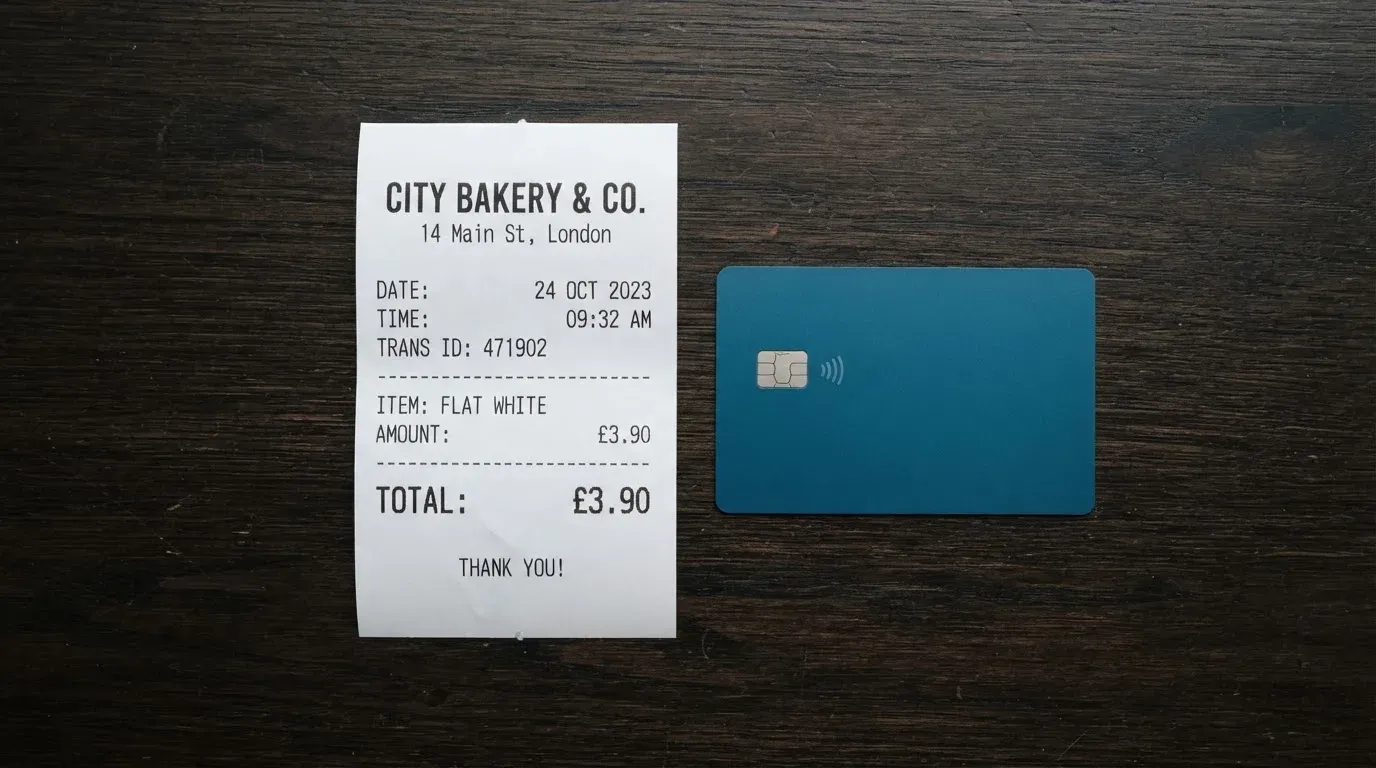
The costs table below summarises available fee data from third-party sources. Where these sources disagree, both are shown.
| Fee or limit | What the card says | What third-party sites report (unofficial) |
|---|---|---|
| Card issuance | not stated | Virtual $10 (Finbold, Jul 2026); Stellar virtual $50 (cryptocards.so, undated); physical Premier/Platinum/Precious $100 activation (Finbold) |
| Monthly or annual fee | not stated | “No monthly fee” for Stellar (cryptocards.so); “no annual fees” for physical tiers (Finbold) |
| Recharge / top-up fee | not stated | Virtual cards 2%; Precious 1%; Premier virtual flat 1% transaction fee; UPay Wallet 1.5% (Finbold); Stellar top-up 3% (cryptocards.so) |
| Foreign-exchange fee | not stated | “No FX fees” policy advertised (Finbold); Stellar FX 1% (cryptocards.so). The two do not reconcile. |
| ATM fee | not stated | “Card can be used at ATMs” (UPay home page); fee and allowance not published; “ATM not supported” on Stellar virtual card (cryptocards.so) |
| Daily and monthly limits | not stated | Stellar virtual: $20,000 daily, unlimited monthly (cryptocards.so); Finbold says no limits |
To make this less abstract, three everyday payments and which fees you would expect to see, on the unofficial figures:
Buying coffee with a virtual card in a country that uses the same currency your card is denominated in. On third-party figures (which are not confirmed by UPay), you might see a 1.5% wallet transaction fee for UPay Wallet users, or a 1% transaction fee for the Premier virtual tier. The Stellar virtual card’s 3% top-up fee would have been charged when you funded the balance, not at the till.
Paying for a hotel in a third country, where the merchant charges in a currency the card has to convert into. UPay’s marketing claims no FX fees. cryptocards.so’s Stellar card carries a 1% FX fee (unofficial). Whichever is closer to reality, the lack of an official number means you find out what you paid at settlement, not before.
Withdrawing cash from an ATM at home or abroad. UPay’s home page confirms the card works at ATMs, but the per-transaction fee and any monthly allowance are not stated. The Stellar virtual card, per cryptocards.so, does not support ATM withdrawals at all. The physical card’s ATM behaviour, including any foreign-ATM surcharge on top of whatever UPay charges, is not on the public record.
If you are the kind of person who wants to know the cost of a transaction before you make it, this is the section that should give you pause. The card’s strongest selling point, the fact that it just works in 180+ countries, is also where you have the least ability to plan your costs.
Top up: how to fund the balance
The wallet accepts BTC, ETH and USDT according to UPay’s own page, with USDC listed among the supported coins as well. cryptocards.so adds DOGE for the Stellar virtual card. That is the full list from the public record.
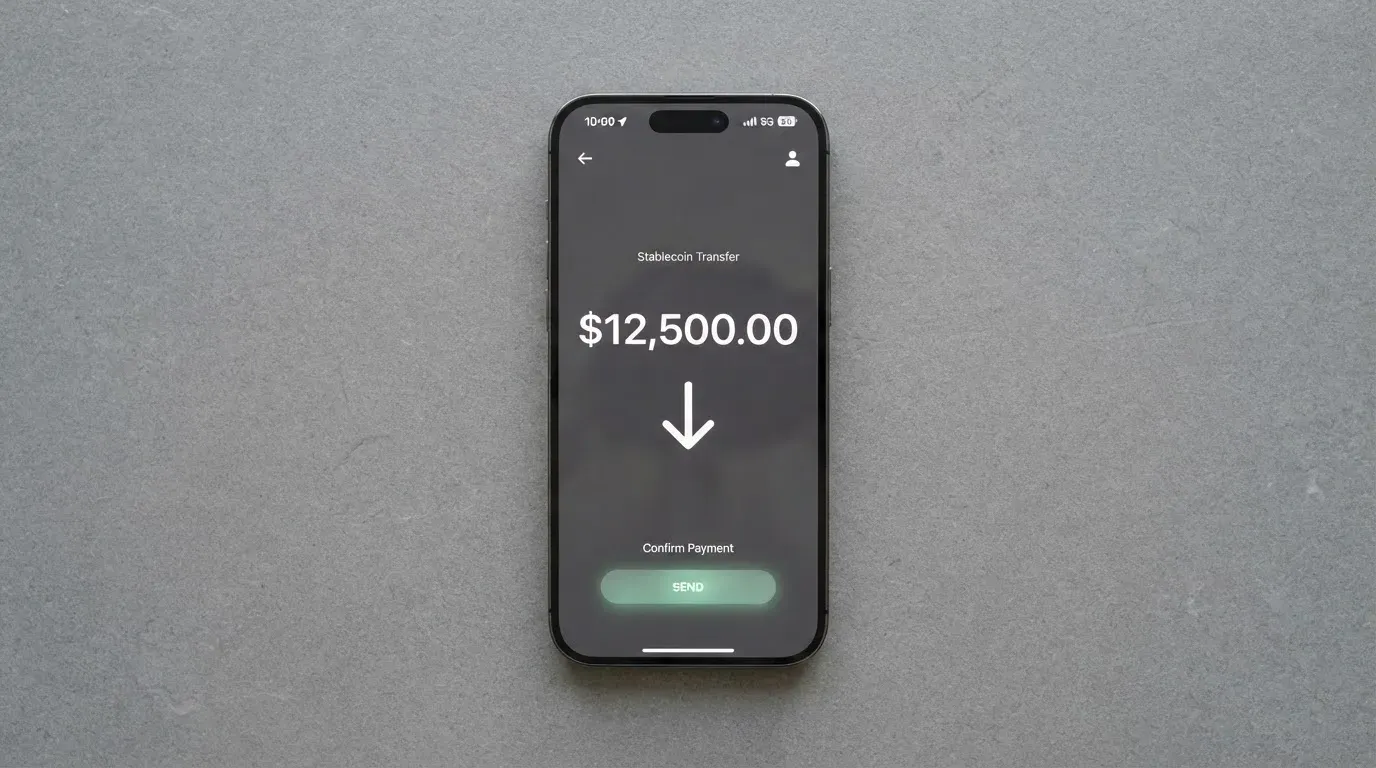
The networks on which you can send those coins, which is the part that determines whether your deposit actually arrives, are not named on UPay’s pages. USDT, for example, exists on Ethereum, Tron, Solana, Polygon, Avalanche and other networks, and the same applies to USDC. A deposit sent on a network the card provider does not support, or to an address belonging to a different network, can be lost or stuck in manual recovery with no guarantee. That risk is generic to crypto cards, but it bites harder here because the supported deposit networks are not published for you to check against your own wallet.
A third-party source (Finbold, July 2026) describes top-ups from a bank account or an eligible Visa or Mastercard as well, which would give you a fiat route in. The home page does not describe that path in those terms. The fees, minimums and processing times for any top-up method are not stated on official pages.
On unofficial figures, the top-up fee is 2% on virtual cards, 1% on the Precious tier, 3% on the Stellar virtual card. The 1% number for the physical Premier tier is described as a flat per-transaction fee rather than a top-up fee. None of this is published by UPay itself, so treat the range as 1% to 3% on the coins that the card’s marketing actually accepts.
A small set of points to weigh:
- Confirm the network before you send. The card does not warn you which networks it accepts, so the check is on you.
- Keep some native gas asset in the sending wallet. ERC-20 USDT requires ETH for gas; Tron USDT requires TRX for bandwidth. A wallet with stablecoins but no native token cannot send.
- Fiat top-up, if it is available, is a way to avoid the network and gas question. Whether it works for you depends on your bank and country.
Paying with it every day
The day-to-day experience is the part UPay has clearly thought about. You get a virtual card, a physical card, or both. You can add the card to Apple Pay, Google Pay or Samsung Pay, all of which are linked from the home page. You can use the card at any merchant that takes the network it is built on, and you can pull cash from ATMs. The mobile app is published on the App Store, Google Play and as an APK on the UPay site, so you are not locked to one platform.
The card page says payments convert to USD, EUR, AED and others. That covers most of the currencies a traveller or remote worker is likely to spend in, and the wallet-to-fiat conversion happens in the background, with the merchant seeing a normal card transaction.
What the public pages do not cover:
- Blocked merchant categories. Whether MCC 7995 (gambling) is allowed, for example, is not stated. Many crypto card programmes block gambling and similar categories; UPay’s policy is not on the public record.
- Cashback or rewards. The card page does not mention any. The home page lists a product called “Earn While You Sleep” by name only, with no rate or mechanism described.
- 3-D Secure behaviour. Whether online purchases trigger a 3-D Secure step is not stated. The card network’s standard practice applies, but you only find out at checkout.
- Declines and holds. A declined authorisation can leave a hold on the card’s balance for several days. UPay does not state how long holds last, or how a stuck hold is cleared.
On the disputes side, the FAQ page on the help centre returned an error when checked, and the terms page is a stub. There is no published description of how a chargeback is filed, what reason codes are accepted, or how long a refund takes. If a merchant charges you the wrong amount, the published process for getting it back is not on the card’s site.
What can go wrong
The complaint pattern is where the difference between marketing and reality shows up most clearly. The Trustpilot page for upay.com (read 20 October 2026) holds a single 2-star review: a KYC failure on a Palau digital-residency ID. That is a very thin sample, and it is the only review on the page.
A different domain, upay.best, holds 19 reviews at 2.5 out of 5 stars. The Coin Republic, in June 2026, cites a 2.6/5 from 19 reviews for “Upay Technology Limited.” Treat that figure with care: the domain differs from upay.com, so it may or may not reflect the same entity. cryptocards.so, an aggregator, cites Trustpilot and Google Play scores of about 2.5 to 2.8 stars, with complaints about an app that crashes after an update, a support bot that does not escalate, and a warning that several unrelated entities share the UPay name.
The user reports that have surfaced in 2026, taken together, describe a consistent set of problems:
- False PEP flags in KYC, with no clear appeal path. A PEP (politically exposed person) check is a routine part of due diligence, but a false positive is hard to clear if the support team is hard to reach.
- Accounts frozen mid-transaction, with an ID request attached. The funds are held while the verification is repeated, and the published process for unfreezing is not on the public pages.
- Apple Pay not available on some cards or in some regions, despite the home page listing it as a feature.
- Declined transactions for unclear reasons, including foreign-issued BINs that some merchants screen out automatically.
- Delayed refunds and unclear fees on completed transactions.
The company behind the card is UPAY TECHNOLOGY LTD., listed in Denver, Colorado. The address on the site is garbled in places. The licences the company name-checks are MSB (United States), MSB (Canada), MSO (Hong Kong) and a VASP registration in Lithuania that the company itself describes as an “In-Principle Approval.” An In-Principle Approval is not the same as a final authorisation; it usually means the regulator has signalled intent and the application is being processed. The card-issuing bank and the card network are not stated. That is a meaningful gap: with most regulated cards, you can see who actually issues the BIN range and who the network is, and that is the layer where cardholder rights and dispute handling sit.
On security beyond KYC, the public pages are thin. There is no statement on whether the wallet is custodial, whether two-factor authentication is required, what happens to funds if the platform fails, or how customer balances are safeguarded. The Coin Republic’s June 2026 article repeats the licence claims and flags them as unverified.
A small word of caution: the name “UPay” is used by several unrelated entities in the payments and crypto space. The card you are reading about is the one on upay.com, run by UPAY TECHNOLOGY LTD. If you land on a different UPay site, you are not necessarily looking at the same company.
What to take instead
The table below compares UPay with key alternatives. Fee structures and country rules can change, so always confirm them on the card’s own site before you commit.
| Card | Score | What it does well | Where it falls short |
|---|---|---|---|
| UPay | 6.1 / 10 | 180+ countries, BTC/ETH/USDT/USDC, mobile wallets, ATM access | No published fees, unnamed issuer, complaint pattern around frozen accounts |
| Cardex | 5.6 / 10 | One card, 200+ countries, virtual and physical, multi-network (Verve, Visa, Mastercard, UnionPay), Naira focus in the App Store listing | No published fees, fees hidden in an “AI-powered conversion rate” feature |
| CardFlow | 4.9 / 10 | Free virtual USD Mastercard in about 3 minutes, Nigeria-focused with global reach claim | No published fees beyond free card creation, limited coin list (BTC, USDT, ETH) |
| HyperCard | 4.7 / 10 | USD or EUR balance, deposit USDT/BTC/ETH, claimed acceptance in 176+ countries | No published fees, no country eligibility list, no named network |
What to read from this table: if you want the broadest set of countries, UPay and Cardex are in a class of their own. If you want a card you can create in three minutes and start using immediately, CardFlow is the lightest. If you want a card that has clearly named its cost structure and licences, none of these four passes that test today. You will need to look further afield (towards cards that publish their issuer bank, network and full fee schedule) if cost transparency is a deal-breaker for you.
Who I would recommend it to
UPay is a reasonable fit for a specific kind of reader. If you are a wallet user who already holds BTC, ETH, USDT or USDC, lives in or works across a region where ordinary bank cards are hard to get, and you mainly need the card for everyday spending and travel, the basics are there: a virtual or physical card, mobile wallet support, ATM access, and a coin list that covers the assets most people are holding anyway.
It is a poor fit if you need to know the exact cost of a transaction before you make it. The published fee schedule is almost empty, and the unofficial numbers that exist contradict each other. It is also a poor fit if you want a card backed by a clearly named bank and a public card network. The issuer is not named, the network is not confirmed, and the licence set is a mix of “in-principle” and registration-level claims rather than full payment-institution authorisations.
A short checklist before you sign up:
- Confirm your country is not on the exclusion list. The list is private, so the only way to check is to start the application.
- Confirm the deposit network before you send any crypto. Sending USDT on the wrong network can mean a lost deposit.
- Treat the card as a spending tool, not a savings account. The published pages do not describe how customer funds are safeguarded, or what happens to your balance if the company fails.
- Test a small payment before relying on the card. A first transaction through a low-stakes merchant tells you more about the fees and decline behaviour than any review can.
- Keep an eye on the support channels. If the help centre and the support email do not respond, that is information you want before you have a real problem.
The headline score of 6.1 out of 10 reflects a card that does the everyday job and reaches more places than most of its peers, weighed against a price sheet that is not really there and a complaint pattern that has not been put to bed. For the right reader, that is a fair trade. For anyone who needs predictable costs and a named issuer, the trade is not there yet.
Frequently asked questions
What is the UPay card?
The UPay card is a prepaid card that draws on a crypto balance held inside the UPay wallet. You fund the wallet with BTC, ETH, USDT or USDC, the platform converts to fiat at the moment of payment, and the merchant sees a normal card transaction. The card comes as a virtual option, a physical option, or both, and is offered in personal and business categories.
How does the UPay card work?
You create an account, pass a Sumsub identity check (5 to 10 minutes according to UPay), apply for the card you want, top up the wallet, and start spending. The card page says payments convert to USD, EUR, AED and other currencies. Mobile wallet support is available through Apple Pay, Google Pay and Samsung Pay.
Is UPay a bank?
No. UPay is operated by UPAY TECHNOLOGY LTD., based in Denver, Colorado, and it holds money-services-business registrations in the US and Canada, a money-service-operator registration in Hong Kong, and a VASP “In-Principle Approval” in Lithuania. It is not a chartered bank, and the card-issuing bank is not named on the public pages.
Who owns UPay?
UPAY TECHNOLOGY LTD., a company registered in Denver, Colorado. The card-issuing bank and the card network (Visa or Mastercard) are not named on the public pages, so the ownership chain between the UPay brand and the actual issuer is not visible from outside.
Is the UPay card available in my country?
UPay claims support in 180+ countries and says it does not serve residents of certain countries, but the excluded-country list is not published. The only way to find out whether your country is on the list is to start the application. A third-party report (Finbold, 20 July 2026) names the US, Germany, France, Argentina and Canada as examples of where the card is available.
How do I get the UPay card?
Create an account on upay.com, complete the Sumsub identity check, apply for a virtual or physical card, fund the wallet, and start spending. UPay’s own description of the flow is four steps, and the KYC step is the one most likely to need a retry if your ID type is unusual.
Does the UPay card require KYC?
Yes. The KYC is handled by Sumsub and takes 5 to 10 minutes according to UPay. The KYC partner only accepts ID documents issued by the same country as the user, so a digital-residency ID from a different country is a known rejection path.
How do I top up the UPay card?
The wallet accepts BTC, ETH and USDT according to UPay, with USDC also listed among the supported coins. The deposit networks are not named on the public pages, so you need to confirm the network on the UPay side before you send. A third-party source also describes fiat top-up from a bank account or an eligible Visa or Mastercard, though the home page does not describe that path in those terms.
Is the UPay card safe?
The card uses a Sumsub KYC check, which is the same vendor many regulated crypto businesses use. Beyond that, the public pages do not state whether the wallet is custodial, whether 2FA is required, how customer funds are safeguarded, or what happens to balances if the platform fails. Trustpilot and user reports describe frozen accounts, false PEP flags and limited support, which is part of the safety picture alongside the regulatory registrations.
Is the UPay card worth it?
It depends on what you need. If you already hold BTC, ETH, USDT or USDC, want a card that works in many countries, and can tolerate not knowing the exact cost of each transaction in advance, the card is a workable tool. If published fees, a named issuer, and clear dispute and refund procedures are deal-breakers, the card is not there yet, and you should look at alternatives with more transparent pricing.
Choosing a virtual card – cryptocardadvisor
Content created by the «cryptocardadvisor» team