
A virtual Visa issued from a Telegram bot, with fees nobody will put a number on
 Available in US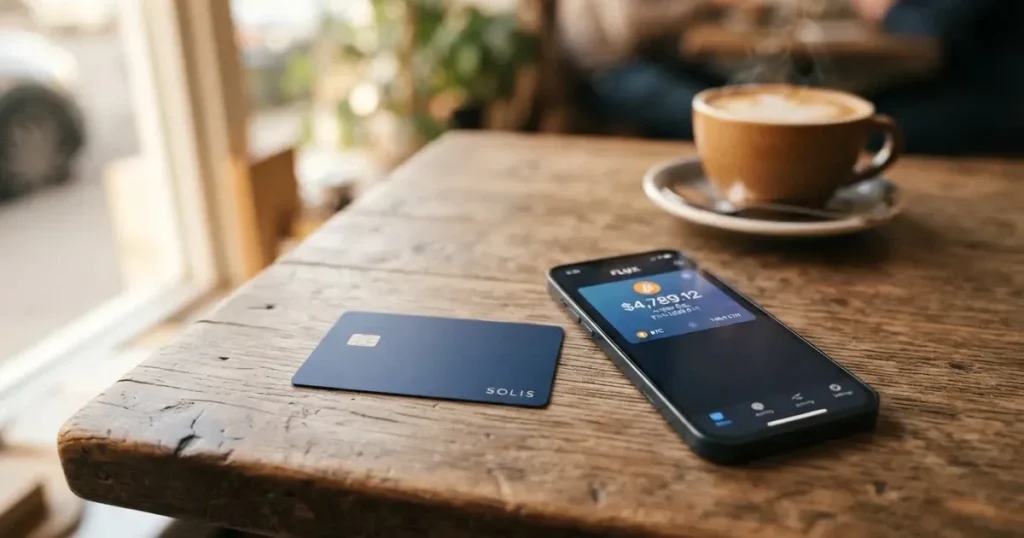
Ape Wallet is not a bank, not an exchange, and not quite a wallet in the sense crypto people usually mean. It is a service that issues you a virtual Visa card — two kinds of them — and lets you pay online with money you already hold as USDT. There is no physical card, no app in the App Store, no company registration number on the website, and no published fee schedule. What there is: a Telegram bot, a Russian-language site, and a set of promises that the fee and the total are shown to you before you confirm each operation.
That combination — fast, digital, crypto-funded, and largely undocumented — makes it interesting to exactly one group of people: Telegram users who already hold USDT and want to spend it online without waiting days for a bank to open an account. For anyone else, and especially for anyone who needs a card that works everywhere including at a cash machine, the gaps in what the card publishes are the story.
I scored it 5.5 out of 10. That is not a dismissal. It is a card that does one thing plausibly well and refuses, in public, to explain almost everything else. The rest of this page is what I checked, what I found, and where I would want you to look before you trust it with money.
*Conditions described here are current as of October 28, 2026.*
Verdict: 5.5 out of 10, built for one audience
The score is not a rounding of a marketing impression. It is six criteria, each scored separately, and the total is the honest sum. Two of the six come out at 7, one in the middle at 5 and 4, and the one that matters most to you — reliability and complaints — comes out at 3.
| Criterion | Mark | Why |
|---|---|---|
| Who can get it | 7 / 10 | No country list is published; the site says the card works “wherever Visa is accepted” and names no restrictions |
| Cost | 7 / 10 | No official amounts for anything; the fee and total are shown before each operation, and transfers between users by Telegram username are fee-free |
| Top-up options | 4 / 10 | The balance is USDT; issuance and top-ups are paid from it. Unofficial sources say USDT on zkSync Era only |
| Reliability and complaints | 3 / 10 | Only the brand “Ape Wallet” is named — no legal entity, registration or issuer. Custodial, per unofficial sources. Rated 3.7/10 “Poor” by an unofficial reviewer |
| Everyday use | 5 / 10 | Virtual Visa only, as a service card and as an Apple Pay / Google Pay card; issuance about a minute; no cash machines |
| Total | 5.5 / 10 |
Let me be clear about who this is for. If you live somewhere your own bank will not open an account for you, you keep your money in USDT anyway, and you are paying for subscriptions and online services from your phone — then the idea is genuinely appealing, and the one-minute card issuance is a real advantage over anything that requires a paper application. The audience this card is plainly built for is Telegram users paying online from USDT.
And who should look elsewhere: anyone who needs a physical card. Anyone who needs to withdraw cash. Anyone who needs a card that works in a high-risk-of-decline category like gambling or a foreign BIN-sensitive merchant. And — this is the one I keep coming back to — anyone for whom “I can’t see who issued this” is a dealbreaker rather than a footnote.
There is no physical card. There are no cash machines. There is no published legal entity behind the brand. Those are not small omissions; they are the shape of the product.
Will they give you the card?
Short answer: probably yes, and that is the problem in one sentence, because nobody has published the rules.
There is no country list. The site says the card works “wherever Visa is accepted” — which is a statement about merchant acceptance, not about eligibility. Nothing is said about citizenship versus residence. Nothing is said about restrictions of any kind. If you are in a country whose regulators have a view about crypto cards, or a country that appears on some issuer’s internal blocklist, the card’s public pages will not tell you either way.
The site is Russian-language and the identity flow is built around a Russian passport for the higher verification level. Payments by SBP — the Russian bank transfer system — are supported for withdrawals. So the practical centre of gravity is clear. But a card that says “works wherever Visa is accepted” and then verifies you with a Russian passport is a card aimed at a particular region while claiming a global reach, and if you are outside that region, you are the edge case, not the intended user.
Nothing is stated about what happens if you are a resident of a restricted jurisdiction, or whether citizenship matters at all. I would rather tell you that plainly than guess.
How to get it
You do not need to pass identity checks to start. That is the first genuinely surprising thing about this card, and it is worth understanding what it means rather than just celebrating it.
Registration happens in a Telegram bot at t.me/apewallet_web_bot. After registering, top-ups and payments work. Basic verification is just an email address and a phone number. That is the entry level — no documents, no passport, no selfie.
There is a second level: passport KYC, which means a Russian passport and a selfie. This level is what unlocks buying crypto and verified withdrawals. Some operations only work with it. Neither the processing time nor the reasons a verification might be rejected are stated anywhere on the public pages.
Two card kinds, and they have different prerequisites:
- A service card, for subscriptions and general online payments. It can be issued without even an email address.
- An Apple Pay / Google Pay card, which needs an email address and a confirmation code before it can be created.
Issuance is fast — about a minute, which is genuinely quicker than anything that involves paperwork. There is no physical delivery to wait for, because there is no physical card. The card currency is not stated.
What I cannot tell you: how long verification actually takes when it goes wrong, why a verification would be refused, or what happens to a balance held by someone whose documents are rejected. Those are all not stated.
Fees: what it really costs
Here is the honest summary of the cost picture: the card’s own website names no amounts at all. Not the issuance price, not a monthly fee, not a conversion fee, not a foreign-exchange fee, not an ATM fee. What it does say is that the fee and the total are shown to you before you confirm any operation.
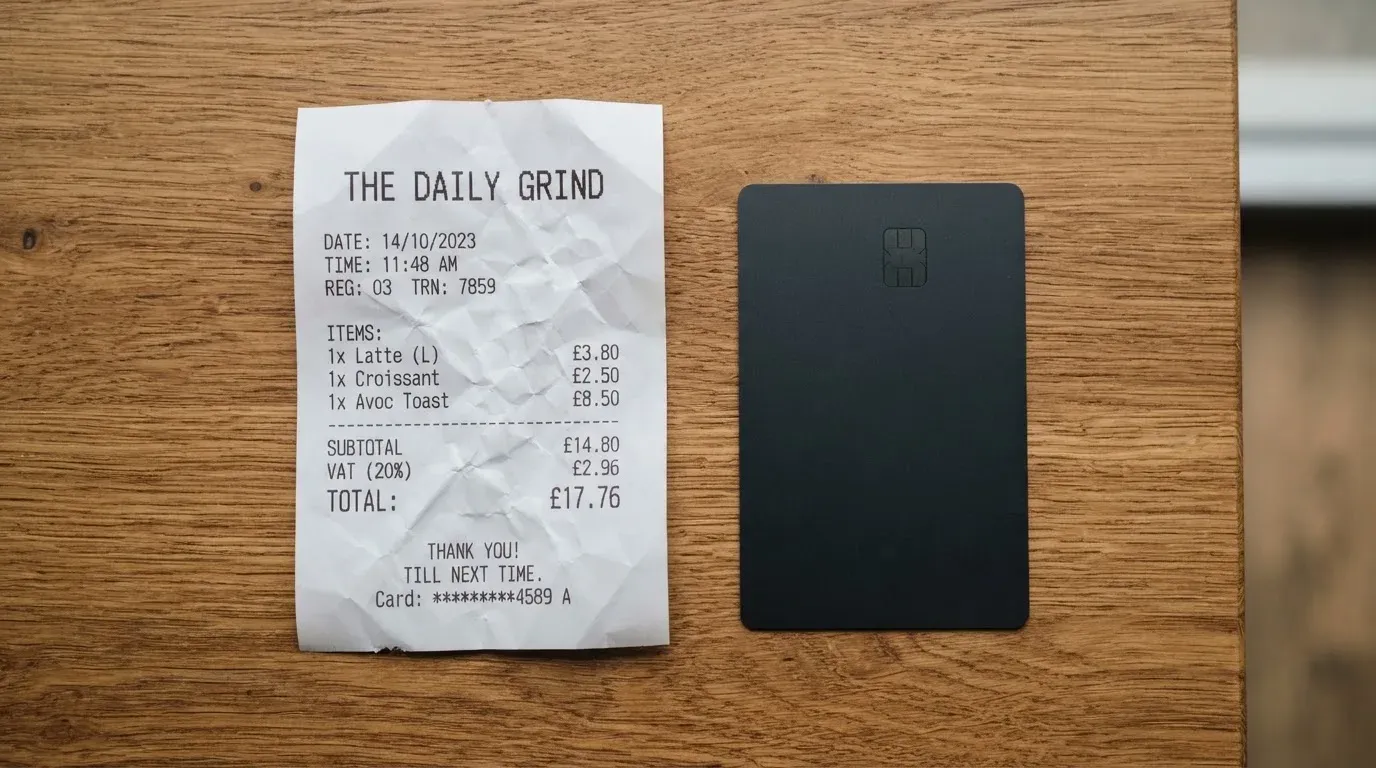
That is a real design choice and, honestly, a defensible one — if it is true, you always know what a given purchase costs before you commit to it, which is more than most cards offer. But it is not the same as a price list. With a price list you can predict your year. With a per-operation prompt you can only ever know what *this* purchase costs.
The issuance price is not stated. Promo codes change the price, and holders of an active Apple Pay or Google Pay card are said to get a discount on a service card — so even the launch price is a moving target. There are two card kinds and no paid tiers.
Transfers to other users by Telegram username have no fees. That is one of the few hard numbers-adjacent statements on the site, and it makes the card genuinely useful for splitting money with people you know rather than paying merchants.
Unofficial sources — third-party review sites, not the card — list every fee as free: monthly, issuance, foreign exchange, top-up and declined-payment fees. The same pages that call all fees free also call the fee structure opaque, which tells you how much weight to put on any of it. Treat the whole fee question as undocumented until you have seen the figure on your own screen.
| Fee or limit | What the card publishes |
|---|---|
| Issuance | Not stated (promo codes change it; discount for holders of an active Apple Pay / Google Pay card) |
| Monthly fee | Not stated |
| Conversion fee | Not stated — the fee and total are shown before each operation |
| Transfers to other users by Telegram username | No fees |
| Foreign exchange fee | Not stated |
| Cash machine (ATM) fee | Not stated (virtual card) |
| Top-up deposit fee, minimum, and who pays the network fee | Not stated |
| Withdrawal fees and limits | Not stated |
| Card currency | Not stated |
| Daily and monthly spending limits | Not stated |
Unofficial figures, offered only as third-party claims and not confirmed by the card: all fees listed as free (per cryptocards.so, 2026); ATM fee free with unlimited ATM limit (per cryptocards.so, 2026); daily and monthly spending unlimited (per cryptocards.so, 2026). I would not plan around “unlimited” for a custodial virtual card until the card itself says so.
Three everyday payments, so the fee question has some shape:
A monthly subscription in dollars. You are spending from a stablecoin balance through a card that has no published card currency and no published conversion rate. Whatever spread sits between USDT and your bill currency, and whatever the card charges on top, lands between you and the price you were quoted. You will see it before you confirm. You will not be able to predict it in advance, and you cannot budget it from a published figure.
A purchase from a shop that declines foreign-issued cards. Nothing is blocked by the card’s own policy — the blocked categories are not stated — but a shop’s decision is the shop’s. Some merchants decline prepaid or foreign BINs because the BIN lookup reveals the card type and issuer country. That is not the card refusing you; it is the merchant, and it is not something you can fix by trying harder at checkout.
A declined payment. Whether a decline costs you anything is not stated, though an unofficial source lists decline fees as free. Worth knowing either way: a declined authorisation can leave a hold on your funds that persists for days, typically up to seven. So a payment that never completes can still tie up money for a week.
Top up: only one road in, and it is USDT
There is exactly one way to get money onto this card, and it is not a bank transfer.
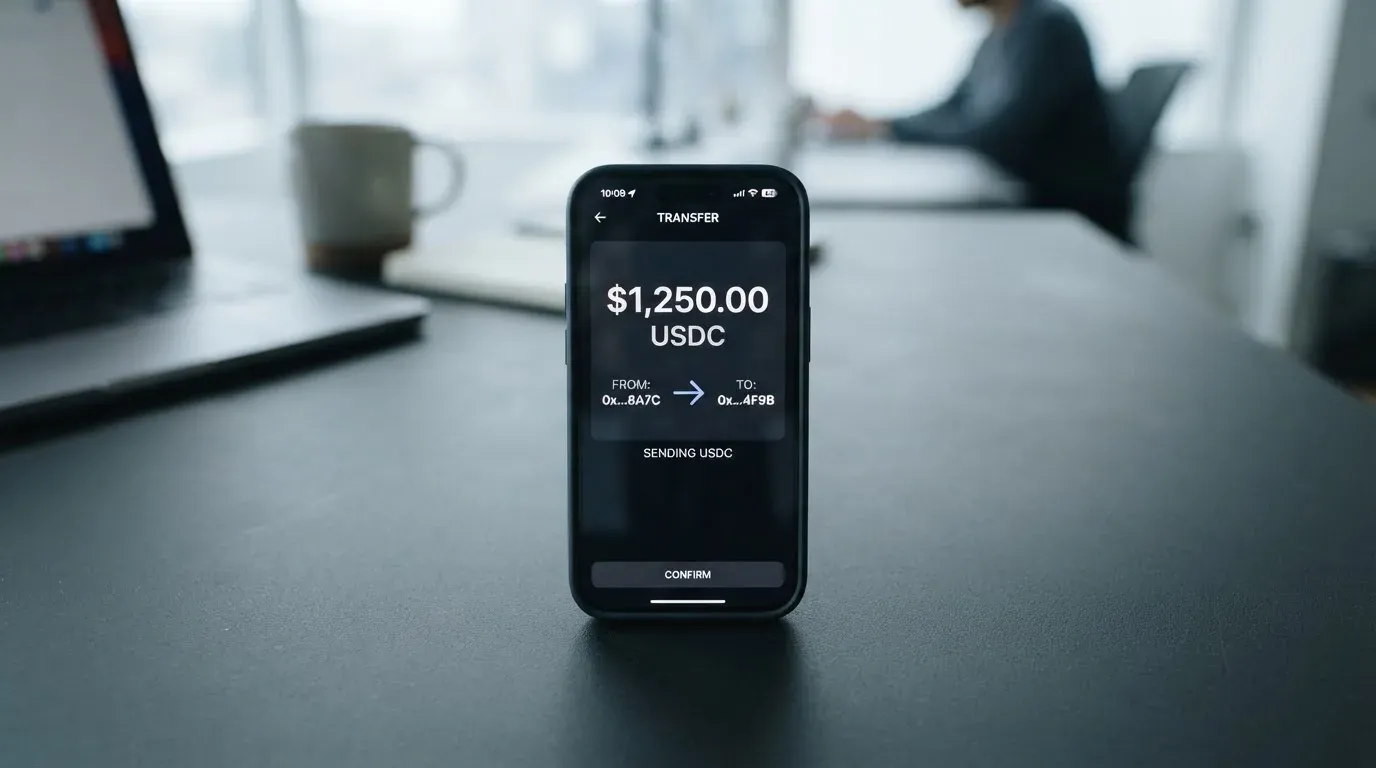
The balance is USDT. The issuance fee and top-ups are both paid from that USDT balance. An unofficial source adds that this means USDT on the zkSync Era network specifically. The card’s own pages do not confirm the network, so if you are planning around zkSync, treat that as something to verify before you send anything — sending on the wrong network is a well-known way to lose money in this category.
Top-up details that matter are missing: the deposit fee, the minimum top-up, and who pays the blockchain network fee are all not stated. Only the first two are the card’s business; the third is charged by the blockchain, not by the card, and you should expect to pay it out of your own crypto balance.
Withdrawals work, and this is a more complete part of the product than the top-up side. You can withdraw USDT to a bank card or to SBP, with rubles credited. Processing is immediate on the card’s side; how long the money takes to arrive depends on your bank. Requirements depend on your verification level: with passport KYC, your own card number or your SBP name as it appears on the passport; without it, the recipient’s phone or card number, name and bank. Fees and limits are not stated.
That asymmetry is worth noticing. Getting money in is one method, one asset, one network at best. Getting money out has two destinations and two verification paths. For a card meant for spending, that is arguably fine. For anyone treating it as a place to hold a balance, it is thin.
Paying with it every day
The everyday experience is well described by its own shape: two virtual Visa cards, no plastic, about a minute to issue.
Apple Pay and Google Pay are supported, but through the dedicated card — the one that requires an email address and a confirmation code. This is worth doing properly. Tokenised mobile payments replace your card number with a device-specific number stored in the phone’s secure hardware, never on Apple’s servers, and each payment uses a one-time dynamic code. That is a meaningfully better security posture than typing your full card number into a browser on a café wifi, and it costs you nothing here.
There are no cash machines, because there is no physical card. That is a hard boundary, not a gap that will close.
No blocked merchant categories are stated. That cuts two ways. It might mean nothing is restricted. It might mean the restriction list exists and simply is not published. Given that gambling is the classic category card issuers block by policy, and that a card naming no issuer and no issuer policy cannot tell you either way, I would not be surprised by a decline at a betting site.
No cashback is stated. What there is instead is a two-level referral programme that pays a share of card purchases made by invited users — no percentages published. Referral schemes like this are common in the category and, in fairness, are often genuinely generous. But they are also, structurally, an incentive for the card to grow its user base quickly, which is not always aligned with the interests of the people already on it. Read the referral terms as a growth strategy rather than a benefit to you.
There is no app. Everything happens in the Telegram bot. No App Store or Google Play listing was found. For many Telegram users this is a non-issue and arguably the point. For anyone who wants a card they can inspect on their own screen outside a chat window, it is a downgrade from every conventional bank app.
One more thing that is simply not stated: how disputes work. No chargeback process, no reason codes, no stated route for a merchant who took your money and did not deliver. A card with no published dispute procedure is a card where a bad transaction is largely your problem.
What can go wrong
This is the section that drags the score to 5.5, and it is where I would ask the most questions.
Nobody is named. The public pages carry only the brand “Ape Wallet”. No legal entity. No registration. No issuing bank. No regulator. I did not find a Trustpilot page either, so there is no independent complaint record to check — which is not the same as there being no complaints, only as nobody having written them down where I could see them.
I found no official incidents, and I found no user reviews either. Both of those absences are worth exactly as much as they sound: nothing. What I did find is an unofficial rating of 3.7 out of 10, “Poor”, from a news and aggregator site in 2026, with three specific concerns raised: the custodial setup, opaque fees, and suspension risk. None of that is confirmed by the card. All of it is what an outsider noticed.
Custody is the crux. The card does not state who holds your keys; an unofficial source says it is custodial. If that is right, control of your USDT belongs to a company that does not publish its name, and every general risk of that arrangement applies to you at full size. Crypto transfers are irreversible. A stolen key has no recovery path — the network cannot freeze or return funds. And this is not hypothetical: custodial platforms have a documented history of failure, including Mt. Gox (about US$350 million reported stolen, 2011–2014), Coincheck (about US$400 million, 2018) and Ronin Network (US$625 million, 2022). Freeze and two-factor authentication are both not stated.
Programme closure is the specific risk to a card. A card network does not issue consumer cards itself; it licenses issuers, and it can suspend a programme. Visa terminated its global agreements with FTX on 13 November 2022, and the FTX US debit card was wound down by its issuer. WaveCrest, a Visa issuer that supplied crypto card brands, was suspended by Visa in Europe in 2018, closing all WaveCrest-issued Visa programmes. Closures typically follow a pattern: a notice period, then spending and loading stop, then you are asked to withdraw remaining balances. That is what a custodial card looks like at its worst moment — a notice, and then a deadline to get your money out.
Stability risk sits underneath the USDT. A stablecoin aims to hold a stable value against a fiat currency, but it is not guaranteed to. TerraUSD collapsed in May 2022; USDC temporarily lost its peg in March 2023 during the US banking crisis. Tether says it disables tokens in wallets on the OFAC sanctions list and has frozen funds tied to illicit activity, so stablecoins are not censorship-proof either.
Fees you cannot predict. Covered above, but it belongs in the risk section too: no published amounts means no way to know your annual cost before you have spent a year.
Support is thin. There is a Telegram support handle and an email field on the page that appears to be an unfilled placeholder. The site being in Russian means Russian is supported. Operating hours are not stated. An unfilled contact field is a small thing, but it is a small thing that tells you something.
Nothing is stated about press coverage dates. The site lists coverage in Cryptonews, Digital Report, Block-chain24 and Bits.media. I did not read dates, so I will not characterise the recency or weight of any of it.
What to take instead
I want to be fair to the alternatives here, because most of them are also thin on disclosure. The comparison is really between different flavours of “thin”.
| Ape Wallet | Azul Card | Telecard | OnCards | |
|---|---|---|---|---|
| Score | 5.5 / 10 | 5.3 / 10 | 6.1 / 10 | 4.6 / 10 |
| Card | Virtual Visa; service card + Apple/Google Pay card | Virtual only, Mastercard; no physical card yet | Virtual Mastercard, instant; no physical or metal | Virtual, “Mastercard / Visa” in Telegram; network not fixed |
| Who can get it | No country list; no restrictions stated | Worldwide except Russia, Belarus, North Korea, Iran, Syria, Cuba, Sudan, Venezuela, Ukraine and the Crimea, Donetsk, Luhansk, Zaporizhzhia and Kherson regions; restrictions apply regardless of nationality | Over 150 countries; identity check in most major regions; barred if blocked or sanctioned by the US Government, including OFAC | Not stated; no country list, no mention of Russian or Belarusian citizens or residents |
| Fees | No official amounts | Creation $20 one-time, refunded after $2,000 spending; monthly $5; crypto top-up 4%; $0.25 per transaction; FX not stated | Standard $5 one-time; VIP $49 setup then $19/month; VIP reissuance $15; conversion 1.5%; gas 0.5 USDT per successful transaction; FX and cross-border “up to 3% each”; $99 minimum deposit to activate, stated as “NOT a fee” | Not stated (“no hidden charges”, no amounts) |
| Top-up | USDT balance; unofficial: zkSync Era only | Crypto sent to the card in Telegram; coins and networks not named; first top-up up to 10 minutes, later 1–5 minutes | USDT on Tron (TRC-20) or Ethereum (ERC-20); USDC on Ethereum; Polygon not supported; main page also lists ETH and TRX, which the help page does not; bank transfers “coming soon” | USDT BEP20 only; bank transfers not accepted |
| Rewards | No cashback; two-level referral, share of purchases, no percentages | No cashback; referral pays “up to 40% of our fees from every transaction made by your referrals” | Referral: Fiorini per activated friend, cashback when friends spend; 1 USDT = 100 Fiorini; cashback rate not specified | Not stated |
Three things stand out.
Azul has the best-published pricing in this group, and also the bluntest eligibility: a long exclusion list applied “regardless of the user’s nationality”. Its referral share is the most concrete number any of these publish. Its $20 creation fee is refunded after $2,000 in spending, which is a way of saying the first $2,000 is free — worth weighing against Ape Wallet’s undisclosed issuance price. But it converts at 4% on top of $0.25 per transaction, and no physical card is available yet.
Telecard scores highest of the four, and publishes the most detailed fee schedule of anyone here: 1.5% conversion, 0.5 USDT gas per successful transaction, “up to 3% each” for FX and cross-border. That is a card you can actually budget. Its own pages contradict each other on supported assets — the main page lists ETH and TRX, the help page does not — and it asks for a $99 minimum deposit to activate while insisting that is not a fee. Its sanctions terms are the clearest of the group.
OnCards publishes the least. It cannot tell you its fees, its currency, or who can get one. Its one strong fact is that it only takes USDT on BEP20 and no bank transfers.
So: if your priority is knowing what you pay, Telecard is the most legible and Azul the best-priced on fees. If your priority is paying online from USDT inside Telegram with the least ceremony, Ape Wallet is built for exactly that. If you need a card you can point at and say “here is who issued it and here is the regulator,” none of these four will do it, and you should widen the search rather than pick among them.
Who I would recommend it to
I would recommend this card to someone who ticks all of these boxes:
- You already hold USDT and think of it as your spending money.
- You spend online — subscriptions, services, digital goods — and you do not need cash.
- You live and bank in Telegram already and would not miss an app.
- You are comfortable with a card whose issuer is not named and whose fees you discover per transaction.
- You check the total before you confirm, every time, because that prompt is the only published price you will ever get.
And I would steer away from it, or at least pause hard, if any of these are true of you:
- You need cash from a machine. There is no physical card and no ATM.
- You need to be sure of who holds your money. Nobody is named.
- You need fees you can put in a budget. There are no published amounts.
- You are outside the ecosystem the card is built around and need certainty about your country.
- You are depositing meaningful sums and want a stated dispute procedure. None is published.
My own test, if I were deciding: I would try it with an amount I could afford to lose entirely. Not because I believe they will lose it — I have no evidence of that, and I found no official incidents. But because a card that names no entity, no issuer and no fee schedule has asked me to accept a structural risk that most people accept without noticing, and the honest way to size that risk is to make it small.
Frequently asked questions
What is Ape Wallet card?
A virtual Visa you pay online with money you already hold as USDT. Ape Wallet issues two kinds — a “service card” for subscriptions and general online payments, and a card for Apple Pay and Google Pay. There is no physical card and no cash machines. Everything happens inside a Telegram bot rather than an app, and the site’s public pages name no legal entity or issuing bank.
Does Ape Wallet require KYC to start?
No. Registering in the Telegram bot is enough for top-ups and payments. Basic verification is just an email address and phone number. A second level uses a Russian passport and a selfie, and that is what unlocks buying crypto and verified withdrawals. Some operations only work with that second level. Processing times and rejection reasons are not published.
Is Ape Wallet a bank, and who owns it?
Neither, as far as the public pages show. Only the brand “Ape Wallet” is given — no legal entity, no registration, no issuer, no regulator. An unofficial source describes the wallet as custodial, meaning the provider holds the credentials rather than you. If who legally stands behind the card matters to you, that is a question to ask support before you deposit, not after.
How much does an Ape Wallet card cost?
The card’s own pages name no amounts — not issuance, not a monthly fee, not conversion, not foreign exchange, not ATM. What is published is that the fee and total are shown to you before you confirm any operation, and that transfers to other users by Telegram username are free. Unofficial third-party sites list all fees as free while also calling the structure opaque.
How do I top up an Ape Wallet card?
From a USDT wallet balance, which also covers the issuance fee. An unofficial source adds that this means USDT on the zkSync Era network only; the card’s own pages do not confirm the network, so verify before sending anything. Deposit fee, minimum top-up, and who pays the blockchain network fee are all not stated.
Can I use the card at a cash machine or in physical shops?
No cash machines — the card is virtual only and there is no physical version. For in-person payments the realistic route is the Apple Pay or Google Pay card added to your phone, which replaces your card number with a device-specific number and uses a one-time code per payment. No blocked merchant categories are published.
How do I add it to Apple Wallet, and does it work with Google Pay?
Yes, both, but through the dedicated card rather than the service card. The Apple Pay / Google Pay card needs an email address and a confirmation code before it can be created; the service card does not. Setting the card up in your phone’s wallet is worth doing properly, since it keeps your full card number off websites and stores a device-specific number in the phone’s secure hardware instead.
Is Ape Wallet card safe to use?
I would not answer that as a yes or a no. There is no documented official incident and no user review record I could find, and an unofficial rating of 3.7 out of 10 “Poor” raises custodial setup, opaque fees and suspension risk. The absence of incidents on a young card with no review history proves little. Weigh it as an unknown, and keep the balance small.
What happens if Ape Wallet shuts down or blocks my account?
Card programmes can be suspended: Visa ended its agreements with FTX in November 2022 and WaveCrest’s Visa programmes closed in 2018. Closures usually mean a notice period, then spending and loading stop, then users are asked to withdraw remaining balances. With no named entity to pursue and no published dispute or complaint process, your recovery route in that scenario is not something the card has told you about.
Is Ape Wallet worth it compared to other crypto cards?
Against Telecard, which scores 6.1 and publishes the clearest fee schedule in the category, Ape Wallet’s advantage is integration with Telegram and USDT rather than clarity. Against Azul, which publishes a $20 creation fee refunded after $2,000 in spending and a $5 monthly fee, Ape Wallet’s advantage is that you can add it to your phone in about a minute. Pick on which of those matters more to you.
Choosing a virtual card – cryptocardadvisor
Content created by the «cryptocardadvisor» team