
Grey is a wallet, not a bank account — and the fees show it
 Available in US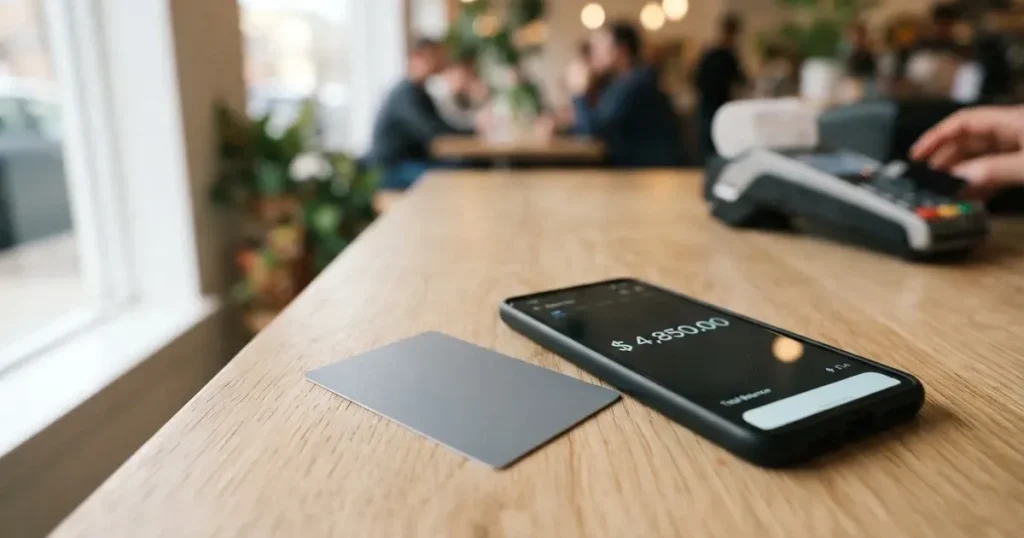
Grey is one of a growing crowd of cards that turn a crypto wallet into something you can hand over at a till. You hold balances, the app converts what you need at the moment of payment, and you get a card number that works wherever Visa is accepted. That is genuinely useful if an ordinary bank card is hard to get — a fresh account abroad, a documentation problem, a country where a local card simply does not exist for you.
It is also a thin proposition if you want a card that behaves like the one in your wallet. There is no physical card, no cash machine, one tier and no rewards structure to speak of, and the customer reviews are not flattering. My score for it is 4.9 out of 10 — below average, but not a card to dismiss, because the people it does serve are precisely the people for whom the alternatives are closed.
The conditions described here are current as of October 28, 2026.
Verdict
| Criterion | Mark | Why |
|---|---|---|
| Who can get it | 5 / 10 | Visa is supported in 25 countries — Argentina, Australia, Brazil, Colombia, Cote d’Ivoire, Ghana, Kenya, Nigeria, South Africa, Hong Kong, Singapore, the UAE, the United States and others — and spending is closed in Cuba, Iran, North Korea, Russia, Syria, Ukraine and Venezuela |
| Cost | 6 / 10 | Creating the Visa costs USD 5, there is no monthly fee, but cross-border spending runs up to 2% + USD 0.50, a conversion fee applies when the card draws on a non-USD wallet, and a chargeback costs USD 30 |
| Top-up options | 5 / 10 | The card cannot be topped up at all: it spends from wallets, taking USD first, then USDC/T, then any other funded balance — and the supported networks are not named |
| Reliability and complaints | 4 / 10 | Grey is a fintech, not a bank, and no issuer is named; Trustpilot shows 3.8 out of 4,452 reviews citing fees, KYC failures, reversed incoming payments and slow support |
| Everyday use | 4 / 10 | Virtual only and created instantly, with Apple Pay and Google Pay, but no cash machine — the card is for payments only |
| Total | 4.9 / 10 | Below average overall, with eligibility the one genuinely strong point |
Who it suits: freelancers in Africa, Latin America and Asia who get paid in dollars, and anyone holding funds they would rather keep in a crypto wallet than in a bank. If your income arrives as stablecoins and your expenses are card payments, the logic of this card is sound and the country list is broad.
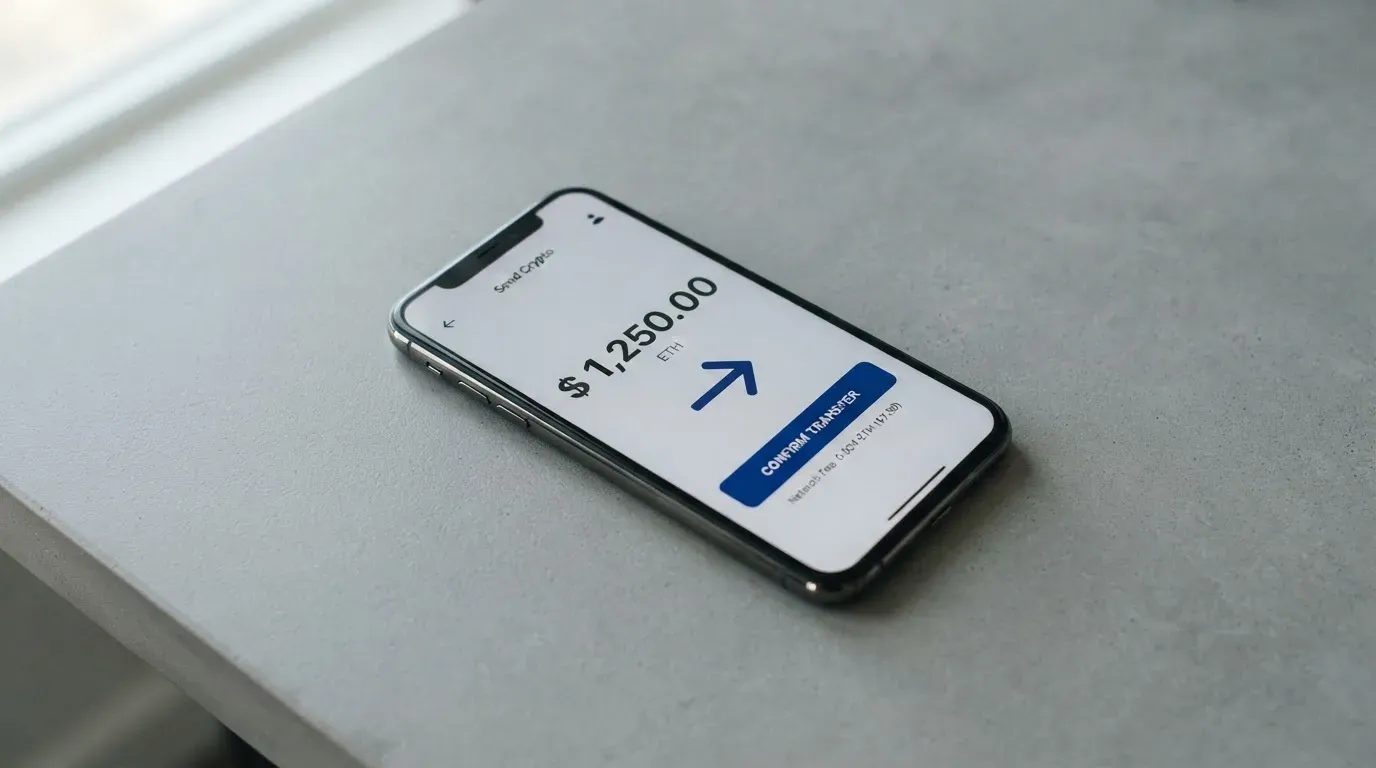
Who it does not suit: anyone who needs cash, who wants a physical card, who minds a 2% cross-border charge plus a fixed fee, or who plans to argue with a support team when a payment goes wrong. That last group should read the reliability section before anything else.
Will they give you the card
The card is supported in 25 countries, and the list is worth reading in full because it decides everything else: Argentina, Australia, Brazil, Colombia, Cote d’Ivoire, Ghana, Kenya, Morocco, New Zealand, Nigeria, Senegal, South Africa, Uganda, Zambia, Bangladesh, Hong Kong, Malaysia, Mexico, Peru, Philippines, Singapore, Thailand, the United Arab Emirates, the United States and Uruguay.
Spending is blocked in seven countries: Cuba, Iran, North Korea, Russia, Syria, Ukraine and Venezuela. Note the asymmetry — those seven are countries where *you* would not be living anyway, but it matters if you are a resident of one of them travelling elsewhere, or if your business pays you from one.
One thing the card’s public pages do not say: whether eligibility follows residence or citizenship. For a product aimed at people who cannot get ordinary bank cards, that distinction is not a detail. If your citizenship and your address are in different countries, you should ask before you invest an evening in onboarding.
How to get it
The USD virtual card requires completed KYC before it appears, and the accepted ID is listed per country — the usual passport, national ID, resident card, ID card or driving licence, plus country-specific extras such as a Voter ID, a PAN card or an NIN slip. Proof of address and minimum age are not stated on the pages I read. KYC levels, in the sense of tiers of verification, are also not stated.
The sequence is short: sign up, verify your identity, top up any wallet, then create the card in the app under Cards. That last step is what costs money and what needs a balance in front of it — USD 5 of balance is needed to create the card.
What you end up with is a virtual debit card on Visa. There is no physical or metal card, and it is created instantly in the app. A virtual Mastercard also exists in the help centre, with slightly different fees. The USD card spends from USD, EUR, GBP and local-currency balances.
Fees and what a payment really costs
| Fee or limit | Value |
|---|---|
| Visa card creation | USD 5, one-time |
| Mastercard creation | USD 4, with USD 1 credited to the card balance |
| Monthly or maintenance fee | None |
| Cross-border fee | Up to 2% + USD 0.50, on non-US websites, charged by the merchant or processor |
| Currency conversion fee | Applies when the card is linked to a non-USD wallet; rate not stated, and not refundable |
| Transaction fee | None |
| Chargeback fee | USD 30, taken upfront |
| ATM withdrawal | Not available |
| Daily limit | Up to USD 10,000 — the page also says the card “has no limit” |
| Monthly limit | Not stated |
| Mastercard funding per transaction | USD 2–2,500 |
Two numbers in that table contradict each other and you should notice it: the daily limit is given as up to USD 10,000 on one page and as no limit on another. I cannot resolve that from the public material.
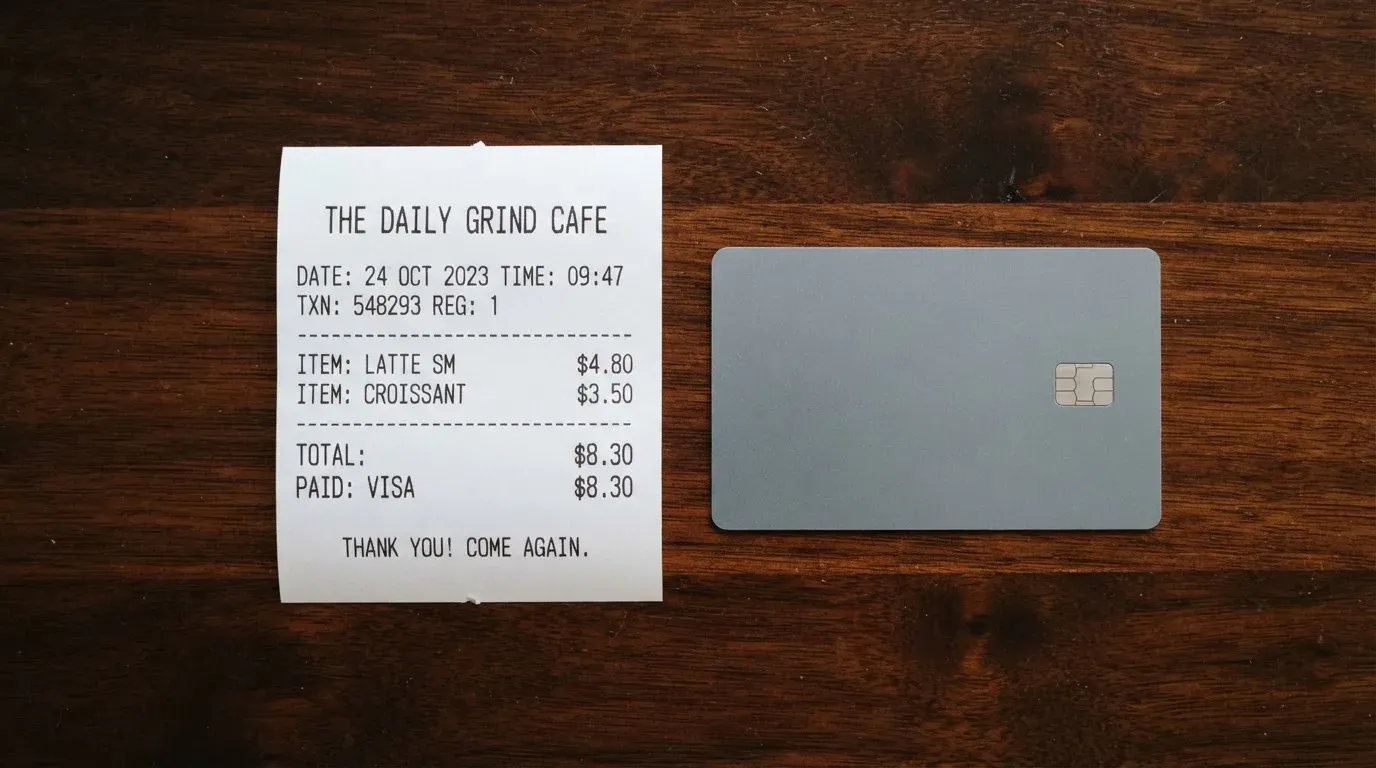
Three everyday payments, and what each one costs:
- A USD 40 subscription from a US website. This is the cleanest case: you pay the USD 5 once at creation, there is no monthly fee, no transaction fee, and if your USD wallet balance covers it there is no conversion fee either.
- A EUR 60 subscription from a European website on a EUR wallet. The cross-border charge applies — up to 2% plus USD 0.50 — and because the wallet is not USD-denominated, a conversion fee applies on top, at a rate the card does not publish. This is the case where the total cost stops being knowable in advance.
- Anything at all from cash. Not possible. Withdrawals and transfers are not supported; the card is for payments only.
Two structural points behind the table. First, the card draws on USD first, then USDC/T, then any other funded balance, and non-USD payments are converted to USD at the moment of payment. Refunds land in the USD balance. Second, the cross-border fee is charged by the merchant or processor, not by Grey — which means it is not a line item you can see on your Grey statement, and it is not something you can query with support.
How to top it up
You cannot top it up. That is not a limitation of the interface; it is how the product is built. The Visa card has no balance of its own to load, so it simply draws from your wallets when you spend, in this order: USD first, then USDC/T, then any other balance that holds funds.
What this means practically is that the money has to arrive by some other route before the card is useful. Grey charges no top-up fee on the card, and there is no funding fee to worry about at that step. But deposit fees and the fiat options for getting money in are not stated here, so I cannot tell you what a deposit into the wallet itself costs — and that is where App Store reviewers reported a fee of at least GBP 2 on deposits under GBP 250.
The networks are not named. This is the detail that should make you pause before sending anything. Stablecoins exist on many chains, and sending on the wrong one can mean a transfer that is lost or that needs manual support to recover. If you are moving funds in, confirm the network with Grey’s own instructions first.
One more thing worth knowing, and it is not obvious from the interface: deleting the Visa card does not return funds, because the card holds none. The Mastercard balance, by contrast, is refunded to the Grey USD balance. Wallet-to-bank and crypto withdrawals are simply not covered by what the card promises.
Paying with it every day
Apple Pay and Google Pay are both supported for online and in-app payments, which is the single most useful thing about a card with no plastic. You add it to your phone once and stop thinking about the number.
Beyond that, the everyday picture is thin. No cashback is stated as a regular feature, although cashback campaigns do exist — there are dedicated help-centre articles on a Visa card cashback campaign and a UCL Visa card cashback campaign — and their terms I did not open, so I will not promise you anything about them. Which merchants are blocked is not stated either; there is an article on where you cannot use the Visa card that I did not open, so treat this as a known unknown.
The app is on iOS and Android. On the US App Store it holds 4.59 out of 5 from 5,754 ratings as of a read on 21 October 2026; the Google Play rating was not read, so if you are on Android you are getting less information than I am.
Two practical notes for daily use. A decline can leave a hold on your funds for several days. And because a prepaid card issued in one country can look foreign to a shop in another, some merchants apply extra scrutiny or decline outright — this is normal for this kind of card, not a fault of yours.
What can go wrong
Complaints are the weak point. On Trustpilot the card has 3.8 out of 5 from 4,452 reviews as of 21 October 2026, and the themes in recent reports — September to October 2026 — are consistent: fees; verification problems; incoming payments reversed or refunded; slow or missing support. These are user reports on a third-party site, not confirmed by the card, but the volume is large enough that I treat them as a signal rather than as noise.
Reversed incoming payments deserve special attention, because they are the failure mode that would hurt you most. If money you were expecting is sent back, you have not lost it — but you may have no card to spend it with until it lands again, and support is reported as slow at exactly that moment.
If a charge does go wrong, the chargeback route exists and it is not cheap. For the Visa card, a dispute can only be raised after settlement; there is a USD 30 fee taken upfront; Visa’s investigation runs 30 to 60 business days; a reversal can take up to 30 days after approval; and if the claim is denied, the fee is kept. Build that timeline into your own expectations — this is not a process you start on a Sunday and expect resolved by Monday.
On the company itself: Grey is a fintech, not a bank. In Canada the entity is Grey Finance Inc., Vancouver BC, registered with FINTRAC; in the US it is Grey Inc., Middletown, DE, registered with FinCEN. Banking runs through licensed partners, but the issuer is not named on the page. Who holds your balance, and under whose safeguarding, is not stated. Security features are reasonable on their face — a PIN set in the app, one-time codes for transactions, an in-app card freeze — but custody of balances is not stated, and “not a bank” is doing real work in that sentence.
Support is offered 24/7, through a help centre and [email protected]. I found no dated announcements about incidents or closures.
What to take instead
Three cards I looked at that sit in the same general area. The scores come from the same scale as Grey’s 4.9, so you can read them side by side.
| Card | Score | Card type | Creation | Monthly | Notable fee |
|---|---|---|---|---|---|
| Grey | 4.9 / 10 | Virtual Visa | USD 5 | None | Up to 2% + USD 0.50 cross-border; conversion fee on non-USD wallets |
| International Visa Card | 6.7 / 10 | Virtual, US-issued Platinum Visa | USD 5 | Classic free, Pro USD 9.00, Max USD 19.00 | Visa exchange rate + 2% FX fee on foreign currency; USD spending free on all plans; deposits free |
| UNi Card | 6.1 / 10 | Multicurrency Mastercard | Not stated | No annual fee | No foreign transaction fee; converted at live OTC rates; spend-to-earn rewards up to 3% |
| Whop Cards | 5.2 / 10 | Visa, type not stated | Not stated | Not stated | Page says no extra fees; amounts not listed |
International Visa Card is the one that beats Grey on the numbers. It has the clearest published fee structure I saw: card use in USD is free on every plan, and the only FX cost is the Visa exchange rate plus a flat 2%. Deposits of any kind are free, in USDC, USDT, USD, EUR, SEPA, SWIFT or FedNow. Its catch is the country list, which is a different shape: account and card are unavailable to residents or legal registrants of Belarus, mainland China, North Korea, Cuba, India, Iraq, Iran, Israel, Myanmar, Nepal, Nicaragua, Russia, Syria, Turkey, Ukraine, Venezuela and Vietnam, with FATF grey-list countries reviewed case by case. And the physical card is listed as coming soon. If you are in a Latin American or African country on Grey’s list, you will want to check where you sit on both lists before deciding.
UNi Card is the interesting one on fees. No annual fee, no foreign transaction fee, conversion at live over-the-counter rates, and spend-to-earn rewards of up to 3%. Its weaknesses are disclosure gaps: who can get it, how you fund it, and whether it is physical or virtual are all not stated on the material I read. I would not sign up for it on the strength of its fee schedule alone.
Whop Cards offers 5% cashback at select merchants, currently Uber, with more planned — but its eligibility is the narrowest of the four. Consumers are supported in 31 US states, Alabama, Alaska, Arkansas, California, Colorado, Connecticut, Florida, Hawaii, Illinois, Indiana, Iowa, Kansas, Kentucky, Maine, Massachusetts, Michigan, Minnesota, Montana, Nebraska, New Hampshire, New Jersey, New York, North Carolina, Ohio is absent, Oklahoma, Oregon, Pennsylvania, Rhode Island, South Carolina, South Dakota, Tennessee, Texas, Utah, Vermont, Virginia, West Virginia, Wisconsin, Wyoming; businesses in 41. Whether the basis is citizenship or residence is not stated. For most readers outside the US this is simply not an option.
Two broader notes. First, none of these cards lets you take cash out — Grey states it outright, and the others do not offer more. If you need an ATM, you need a different kind of product. Second, on eligibility, all three alternatives apply their country rules by residence or legal registration rather than citizenship, which is the opposite of what Grey leaves unstated; that makes them easier to reason about even when the list is longer.
Who I would recommend it to
If you are a freelancer in Africa, Latin America or Asia, paid in dollars, and your spending is overwhelmingly online subscriptions and app purchases, Grey is a reasonable tool and the 25-country list is genuinely wide. You will pay USD 5 once, you will not pay a monthly fee, and Apple Pay will make the card usable without any plastic at all.
If you travel, cross borders often, or spend in a currency other than the dollar, the fee stack is the problem — up to 2% plus USD 0.50, plus an unpublished conversion fee, applied by a merchant you will never see. If you need cash, stop here: the card does not do withdrawals or transfers, full stop.
And if you are choosing between cards, look at the chargeback terms before you look at the signup bonus. USD 30 taken upfront, 30 to 60 business days of investigation, and a fee kept if you lose is a worse deal than most people expect. I would tell a friend with an ordinary bank card to keep it. I would tell a friend without one to read the fees and the country rules first, and decide knowing that reverse charges on incoming payments are the most common complaint.
Frequently asked questions
What is the Grey card?
Grey is a virtual Visa debit card that spends directly from crypto wallets rather than from a bank account. You create it in the app after identity verification, it draws on your USD balance first, then USDC/T, then any other funded balance, and it works wherever Visa is accepted online and in app. There is no physical card and no cash machine. Grey is a fintech, not a bank.
How does the Grey card work?
Once KYC is complete, you create the card in the app under Cards, which requires USD 5 of balance and a USD 5 creation fee. At each payment the card converts whatever it needs from your wallets into USD at the moment of payment, and refunds go back to the USD balance. Spending order is USD, then USDC/T, then any other balance holding funds. Apple Pay and Google Pay are both supported.
Is Grey a bank, and who owns it?
No — Grey is a fintech, not a bank, which matters when you ask who holds your balance. The registered entities are Grey Finance Inc. in Vancouver BC under FINTRAC, and Grey Inc. in Middletown, Delaware under FinCEN. Banking runs through licensed partners, but the issuer is not named on the page, and custody of balances is not stated. Support is 24/7 via the help centre and [email protected].
Which countries can use the Grey card?
The Visa is supported in 25 countries: Argentina, Australia, Brazil, Colombia, Cote d’Ivoire, Ghana, Kenya, Morocco, New Zealand, Nigeria, Senegal, South Africa, Uganda, Zambia, Bangladesh, Hong Kong, Malaysia, Mexico, Peru, Philippines, Singapore, Thailand, the UAE, the US and Uruguay. Spending is blocked in Cuba, Iran, North Korea, Russia, Syria, Ukraine and Venezuela. Whether the rule follows residence or citizenship is not stated.
How do I get a Grey card, and does it need KYC?
Yes, it needs KYC — the USD virtual card only appears once verification is complete. Accepted ID varies by country: passport, national ID, resident card, ID card or driving licence, with extras such as Voter ID, PAN card or NIN slip. Then you sign up, verify, fund any wallet, and create the card in the app. Proof of address and minimum age are not stated on the public pages.
Can I top up the Grey card?
Not directly — the card has no balance of its own and spends from your wallets instead. Grey charges no top-up fee on the card, though deposit fees on the wallet side are not stated, and App Store reviews mention a fee of at least GBP 2 on deposits under GBP 250. The supported networks are not named, so confirm the network before sending anything, because a transfer on the wrong chain can be lost.
Can I withdraw cash or money from Grey?
Withdrawals and transfers are not supported; the card is for payments only, and there is no ATM function. Grey does not cover wallet-to-bank or crypto withdrawals in this material. One sharp edge worth knowing: deleting the Visa card returns no funds, because the card holds none — only the Mastercard balance is refunded to the Grey USD balance.
What are the fees on a Grey card?
Creating the Visa costs USD 5 once and there is no monthly or maintenance fee, with no per-transaction charge. Cross-border spending on non-US websites runs up to 2% plus USD 0.50, charged by the merchant or processor, and a currency conversion fee applies when the card is linked to a non-USD wallet at an unstated, non-refundable rate. A chargeback costs USD 30 upfront.
Is the Grey card safe and worth it?
It has the usual safeguards — PIN in the app, one-time codes for transactions, in-app card freeze — but Grey is not a bank and balance custody is not stated, so you are trusting a fintech counterparty. Reviews on Trustpilot stand at 3.8 from 4,452, with recurring complaints about fees, KYC failures, reversed incoming payments and slow support. Judged on the same scale, it scores 4.9 out of 10.
Can I add the Grey card to Apple Wallet?
Yes — Apple Pay and Google Pay are both supported for online and in-app payments, which is the practical reason a virtual-only card is still usable daily. Once tokenised, each payment uses a device-specific number and a dynamic security code rather than your card number. The issuer can still restrict where the card works, so a few online categories may be declined even through the wallet.
Choosing an app or neobank card – cryptocardadvisor
Content created by the «cryptocardadvisor» team