
A Telegram-based virtual card with USDT deposits, instant issuance, and a catch: it costs to start, and it's not a bank
 Available in US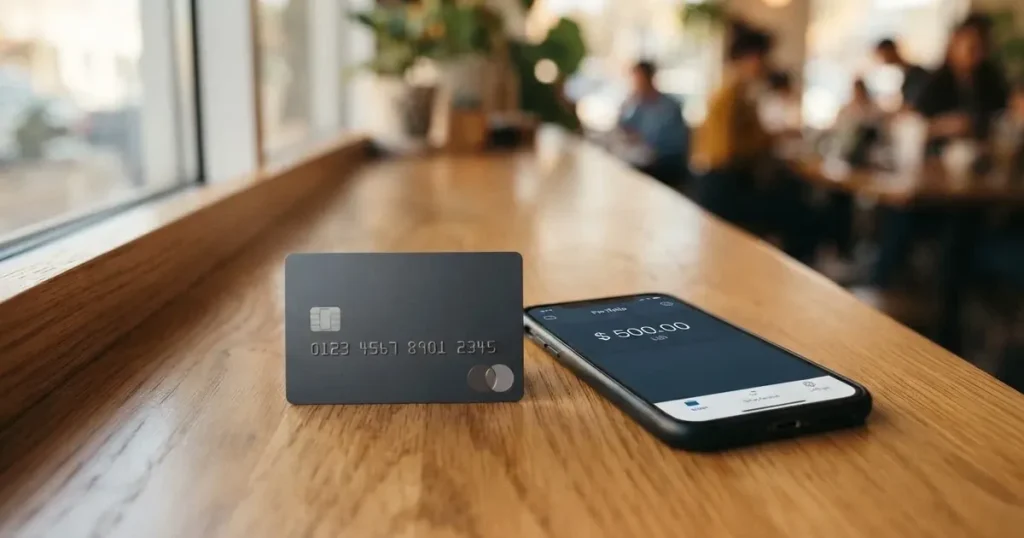
The Flowbit card is a virtual payment card that lives inside Telegram, designed for people who already hold crypto and want to spend it without waiting for a traditional bank application to clear. You load USDT onto it, get a card number instantly, and use that number online or in Apple Pay and Google Pay on the NFC version.
I scored it 5.2 out of 10. That’s a middling result, and the reasons are worth being honest about before you spend anything: the card costs money just to open ($9.99 for the Online version), there are no physical cards, no ATM access, and the company behind it is not a bank and doesn’t name its issuing partner. What it does well is speed and simplicity — you get a usable card number right after registering, and the whole thing runs through a Telegram app you likely already have.
Who does it suit? If you’re already inside the Telegram ecosystem, already holding USDT, and you need a virtual card number quickly for online subscriptions, digital services, or spending in places where your own country’s cards don’t work, it’s genuinely convenient. Who does it not suit? Anyone who wants a physical card, cash withdrawals, a clear banking relationship, or someone who wants to avoid paying to open an account. And if your primary currency isn’t USD, this will be painful — the card converts everything for you at whatever rate the day happens to be.
Conditions below are current as of October 28, 2026.
The score
| Criterion | Score | Why |
|---|---|---|
| Who can get it | 7/10 | Online card “works worldwide”; supported regions described as “growing”; restricted-country list sits in separate rules |
| Cost | 3/10 | Issuance $9.99 (Online), $0.25 per transaction, Tether top-up from 3% (4.5% base); unofficial: NFC $19.99, Plus $4.99/month; dispute fee $45 |
| Top-up options | 5/10 | Crypto deposits (USDT); network not named on the site; unofficial: USDT (TRC-20) and SBP |
| Reliability and complaints | 6/10 | Flowbit Finance LLC-FZ, UAE; not a bank or issuer, issuing bank unnamed, closing balance subject to terms; no Trustpilot reviews found |
| Everyday use | 5/10 | Virtual only, instant issuance; Apple Pay and Google Pay on NFC; no plastic and no ATM |
| Total | 5.2/10 | A tool for a specific job, not a replacement for a bank card |
The audience this card was built for is clear: Telegram users who want an instant virtual card they can fund with USDT. If that describes you and nothing else in this review contradicts it, keep reading. If you want a card that lives in your pocket or works in an ATM, stop here and look elsewhere.
Who will they give you the card
Flowbit says its Online card “works worldwide” and that supported regions are “growing.” That sounds reassuring, but the catch sits in the Terms: restricted countries are published separately in a document called “Restricted Countries and Prohibited Use Rules,” and that list was not read for this review. So while the marketing language suggests broad availability, the actual country-by-country eligibility is defined in a rules document you haven’t seen.
Here’s what I can tell you:
- The card’s own site claims worldwide operation, but the operative country rules live in a separate document
- No physical card is offered — only virtual
- The card is issued by third-party issuers and BIN sponsors, not by Flowbit itself
- There’s no stated minimum age or tier system in the public pages I reviewed
That last point matters if you’re wondering about age requirements: the general rule for prepaid and debit cards is 18+, and some issuers set higher limits for certain products. But Flowbit’s own pages don’t state tiers or age requirements explicitly, so I’m relying on category norms rather than their stated policy.
The bigger picture is that Flowbit is a program manager, not a bank. The card network (Visa or Mastercard) routes the payments, a licensed third party actually issues the card, and Flowbit is the interface you interact with. Understanding that structure tells you where to look when something goes wrong — and it’s also why the Terms are so important to read.
How to get it
Registration runs through the Flowbit app inside Telegram. Here’s the process as described:
- Download Telegram and find the Flowbit bot or app
- Register an account
- Complete a verification process — the site calls it “a simple verification process”
- Receive your virtual card instantly after registration
On the KYC question, the site uses slightly contradictory language. One page says “a simple verification process” exists for stability and higher limits, while another says “no extra documents.” The Terms clarify this tension: basic use doesn’t require full identity verification in most cases, but extra checks — identity, device, source of funds — may be requested to raise your limits or review disputes.
An unofficial source (Freedom Checker, 21 August 2026) describes the verification as “light,” usually phone and email. But that’s third-party information, not confirmed by Flowbit.
So the honest answer is: you can probably start using the card with minimal verification, but when you need higher limits or want to dispute a transaction, you’ll be asked for more. Don’t plan around staying permanently under the radar.
The card comes in two flavors: Flowbit Online and Flowbit NFC. Both are virtual and issued instantly after registration. The network (Visa or Mastercard) isn’t stated on the site’s public pages. And no physical card is described — delivery is virtual only.
If your goal is to have a card number in hand in under five minutes, this works. If you want to understand your verification obligations upfront, read the Terms, not just the marketing pages.
Fees: What It Really Costs
Here’s where things get expensive. The costs table below shows what the card’s own materials say about issuance, monthly fees, and limits:

| Fee or limit | Amount |
|---|---|
| Online card issuance | $9.99 (one-time) |
| NFC card issuance | $19.99 (unofficial, per Freedom Checker) |
| Plus subscription | $4.99/month (unofficial) |
| Transaction fee | $0.25 per purchase |
| Tether top-up fee | From 3% (4.5% base, 3.0% with Plus) |
| Card-number transfers | $1 + 1% |
| FlowID transfers | $1 |
| Monthly spending limit | $100,000 |
| Maximum single payment | $20,000 |
| Dispute/chargeback fee | $45 per disputed transaction |
| ATM fees | Not stated |
The base fee for topping up with Tether is 4.5%. With Plus, it drops to 3%. The transaction fee is $0.25 regardless of tier. An unofficial source adds that Plus also improves the exchange rate (89.76 vs 91.49) but doesn’t change the $0.25 transaction fee.
Limits are generous on paper — $100,000 monthly spending, $20,000 per transaction — with higher thresholds available through verification and Plus. But an unofficial source (Freedom Checker, 21 August 2026) lists very different figures that contradict the site: Online at $2,500/month (Plus: six times that), NFC at $50,000/month, NFC Plus at $100,000/month with payments up to $25,000. If limits are critical to your use case, verify them directly with Flowbit before committing money.
Three everyday payments, calculated:
Example 1: A $20 subscription service (streaming, software, etc.)
Your balance is in USDT. To spend $20, you first top up. The minimum top-up is $10. If you top up exactly $20 in USDT:
- Top-up fee at 4.5%: $0.90
- Total cost to load: $20.90
- Then the $20 purchase: transaction fee $0.25
- Total: $20.90 + $0.25 = $21.15 (or $21.10 with Plus)
Example 2: Two $15 coffee purchases in one month
- Top up $30 in USDT at 4.5%: $1.35 fee
- Two transactions: $0.25 × 2 = $0.50
- Total cost depends on top-up and transaction fees.
Example 3: A $100 online purchase
- Top up $100 in USDT at 4.5%: $4.50 fee
- Transaction: $0.25
- Total cost depends on top-up and transaction fees.
The pattern is clear: the fixed $0.25 transaction fee is fine for larger purchases, but the percentage-based top-up fee means small, frequent transactions get expensive proportionally. Plus helps, but $4.99/month has to be worth it in volume.
The card currency isn’t stated on the site’s public pages. An unofficial source says it’s USD and one card per account. If you hold non-USD crypto or want to spend in another currency, you’re exposed to conversion costs on top of everything else.
How to Top up
You fund the card in two ways according to Flowbit’s own materials:
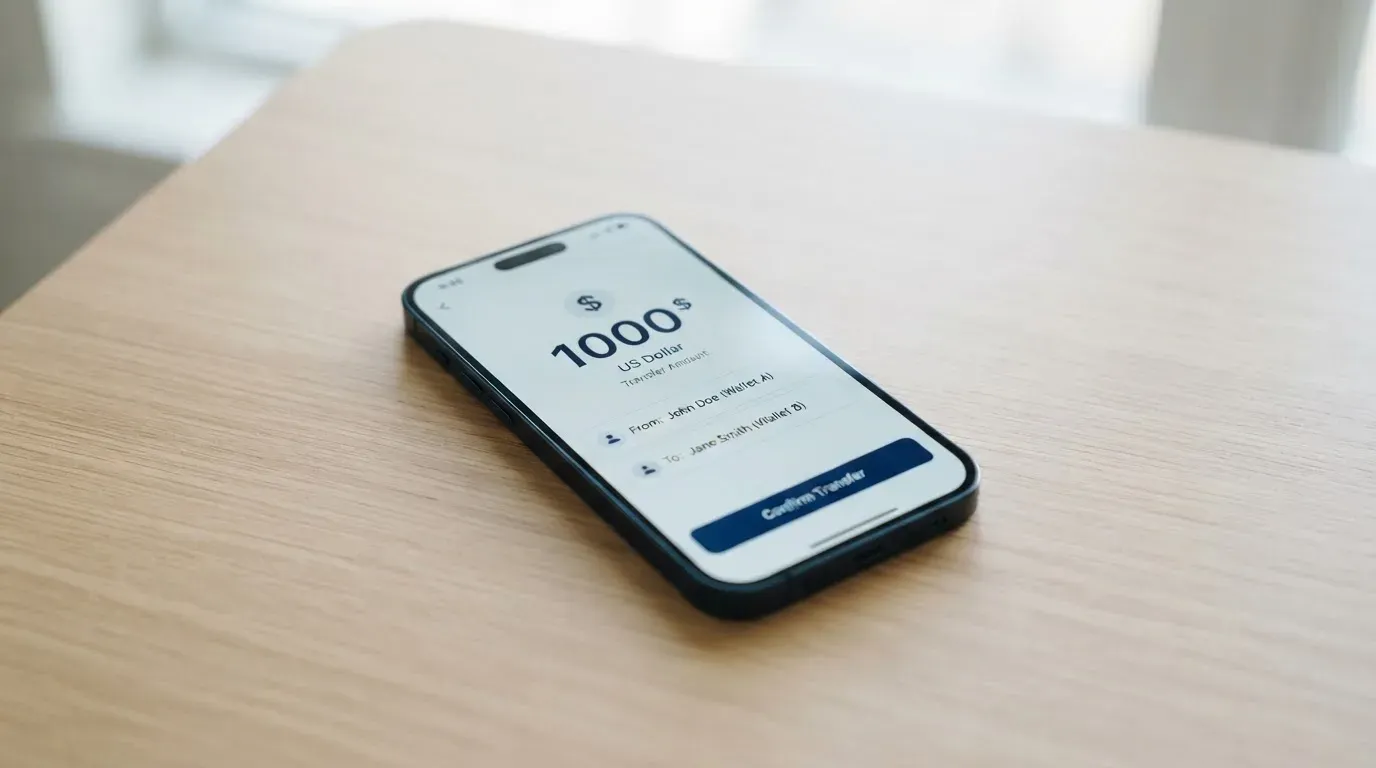
- Cryptocurrency deposits — USDT (per the starting data); the specific network isn’t stated on the site
- Transfers from other Flowbit users — by card number or FlowID
An unofficial source (Freedom Checker, 21 August 2026) specifies USDT on TRC-20 network and mentions SBP as another option. But that’s not confirmed by Flowbit’s public pages.
The minimum top-up is $10, with fees starting at 3%. Who pays the blockchain network fee for your deposit isn’t stated.
Critical warning about networks: Getting the network wrong when sending USDT is one of the most common ways people lose money in crypto. Blockchain transfers are irreversible — if you send on the wrong network, the funds are typically gone. The network Flowbit expects is not stated on the site’s public pages, so you’ll need to confirm this with support before your first deposit. Never send funds based on a third-party’s guess.
As for withdrawing money from Flowbit to your own wallet or bank, the website doesn’t describe it. The Terms say closure and return of any remaining balance are subject to the Terms, your obligations, risk review, and applicable law. The Virtual Balance is explicitly not a bank deposit. This means your money isn’t protected by deposit insurance, and getting it out might not be as simple as getting it in.
Paying with it every day
The app runs inside Telegram. Apple Pay and Google Pay are supported on the Flowbit NFC card specifically. The Online card is for standard online transactions.
The card pays 0.25% cashback on every purchase, with higher rates through Plus. There’s also a referral programme.
Support runs through a Telegram bot. Plus subscribers get priority support, advertised as available 24/7. Language support isn’t stated. An unofficial source notes that the Google Play version of the app was unavailable while the App Store version worked at the time of their review (21 August 2026), so check both platforms.
What works: If you need a card number quickly for an online service that accepts prepaid Visa/Mastercard, this does the job. The 0.25% cashback is a nice touch, and the Telegram integration is genuinely convenient for people who live there.
What doesn’t: There are no physical cards, so no in-store tap-to-pay on the base product, no ATM access (and ATM fees aren’t even stated), and an unofficial source warns that the provider may restrict certain merchants, MCC codes, countries, gaming, subscriptions, marketplaces, and crypto services. That last point is critical if you were hoping to use this card to buy more crypto or to subscribe to services that specifically block prepaid cards.
The dispute process has a $45 fee per disputed transaction, and refunds are neither automatic nor certain — they may be reduced by fees. The Terms cap liability at the lesser of three months’ fees or your available balance. That’s a significant financial exposure if a charge goes wrong.
What can go wrong
Here are the real risks, in rough order of how likely they are to matter:
Network mistakes (very likely, potentially expensive): Sending USDT on the wrong network or to a wrong address typically means the money is gone. Blockchain transfers can’t be reversed. Flowbit doesn’t name the network on its public pages, which raises this risk above what it would be with a well-documented provider.
Merchant declines (likely): Some merchants refuse prepaid cards or foreign-issued BINs. The BIN lookup reveals the card type and issuer country, which can trigger extra scrutiny or automatic declines — especially if the billing address country differs from the issuer country.
Provider disappearing (low probability, high impact): Flowbit is not a bank or card issuer. It’s Flowbit Finance LLC-FZ, registered in the UAE (Meydan Grandstand, 6th Floor, Meydan Road, Nad Al Sheba, Dubai, formation no. 2541754). The issuing bank isn’t named. The site says a partner bank processes transactions, but doesn’t name it either. If the operator or its partner fails, your balance recovery depends on the Terms and applicable law, with no deposit insurance backing it up.
Frozen funds during review (possible): When disputes or unusual activity trigger reviews, the Terms allow extra identity checks. The Virtual Balance isn’t a bank deposit, so there’s no deposit guarantee scheme protecting you.
App access issues (minor but annoying): The app runs inside Telegram. If Telegram is blocked in your country, so is the app. An unofficial source also noted Google Play availability problems.
No public complaint record (uncertain, possibly good or bad): I couldn’t find a Trustpilot or Reddit page for Flowbit Finance, and no official incident was reported in the search I ran on 21 October 2026. The absence of complaints could mean it’s too new, too small, or actually clean — but it also means you’re not getting the benefit of a track record others have tested.
Exchange rate exposure (ongoing): Your card balance is USD (unofficial, per Freedom Checker). Every time you top up with USDT and then spend in another currency, you’re exposed to conversion costs and rate movements. The card’s currency isn’t stated on public pages, so verify this if you need to spend in a specific currency.
What to take instead
If Flowbit doesn’t fit — because you need a physical card, want lower costs, or live in a restricted country — here are three alternatives I evaluated, with honest comparisons:
| Alternative | Score | Cost | Key strength | Key weakness |
|---|---|---|---|---|
| Azul Card | 5.3/10 | $20 creation (refunded after $2,000 spend), $5/month | Card creation fee refunded with spending; 4% crypto top-up fee | Higher base cost than Flowbit Online; Russia, Belarus, and sanctioned regions excluded |
| Telecard | 6.1/10 | Free basic plan, $5 VIP setup + $19/month; $99 min deposit | Lowest fees on this list (1.5% conversion, 0.5 USDT gas per transaction); supported in 150+ countries | USD minimum deposit to activate; VIP costs more than Flowbit Plus |
| OnCards | 4.6/10 | Fees not stated | USDT BEP20 funding; simple Telegram integration | No fee transparency; lower score than Flowbit |
Azul Card makes sense if you spend enough to get the $20 creation fee refunded, or if you want clearer country rules. Its restrictions list is specific — it excludes Russia, Belarus, North Korea, Iran, Syria, Cuba, Sudan, Venezuela, Ukraine and certain regions, regardless of your nationality. It offers virtual only, converts to USD, and charges 4% for crypto top-ups with a $0.25 transaction fee. No cashback, but referrals pay up to 40% of fees from your referrals’ transactions.
Telecard has the lowest fees in this comparison and works in over 150 countries. But it requires a $99 minimum deposit to activate (the site insists this isn’t a fee because it stays in your wallet). The basic plan is free, but VIP costs $19/month. Conversion is 1.5% on non-USD payments, gas is 0.5 USDT per transaction, and FX/cross-border fees can run “up to 3% each.” Funding accepts USDT on Tron or Ethereum, USDC on Ethereum only, and bank transfers are “coming soon.” If you want the cheapest option and can meet the deposit minimum, Telecard wins on cost.
OnCards scores lowest here because it publishes almost nothing — no fees, no country list, no card currency, no clear network (it says “virtual Mastercard / Visa” without committing). The one concrete fact: fund it with USDT BEP20. If transparency matters to you, this is the opposite of what you want.
Flowbit sits in the middle: cheaper to open than Azul, more expensive at the top-up stage than Telecard, and far more transparent than OnCards. Its real differentiator is Telegram integration plus instant virtual issuance.
Who I would recommend it to
I’d recommend Flowbit to people who are already living in Telegram, already hold USDT, and need a virtual card number quickly for online services — subscriptions, digital goods, international platforms where their own cards don’t work. If you value speed and simplicity over having a physical card, this fits.
I would not recommend it if you need to withdraw cash, want a card in your wallet, need more than one currency, or expect your funds to behave like a normal bank balance. The lack of a named issuing bank, the virtual-only format, and the $45 dispute fee make it a specialist tool rather than a primary financial instrument.
The cost structure deserves a second look too. Paying $9.99 to open a card, then 4.5% to load it with crypto, then $0.25 per transaction — those numbers add up if you’re not careful. Plus at $4.99/month reduces the top-up fee but doesn’t eliminate the entry cost.
My honest assessment: 5.2 out of 10. It’s a competent tool for a specific audience with a specific need, executed without the polish or protections of a regulated bank relationship. Know what you’re getting into, verify the network before your first deposit, and treat the balance as spendable money rather than savings.
Frequently asked questions
What is Flowbit card?
Flowbit is a virtual payment card that operates through a Telegram app. You fund it with cryptocurrency (primarily USDT) and receive a card number instantly, which you can use for online payments. The Online version works as a standard virtual card; the NFC version adds support for Apple Pay and Google Pay. It’s designed for people who want to spend crypto without going through traditional banking delays.
Is Flowbit a bank?
No. Flowbit is Flowbit Finance LLC-FZ, a company registered in the UAE. The Terms explicitly state that Flowbit is not a bank or card issuer. The actual card is issued by third-party issuers or BIN sponsors, and a partner bank processes transactions. This means your funds sit in a Virtual Balance that’s explicitly not a bank deposit and isn’t protected by deposit insurance schemes.
How much does a Flowbit card cost?
The Flowbit Online card costs $9.99 to open. The NFC version is reportedly $19.99 (unofficial source). The Plus subscription is around $4.99/month (unofficial) and reduces top-up fees from 4.5% to 3%. Every transaction costs $0.25 regardless of tier. There’s also a $45 fee per disputed transaction if you need to file a chargeback.
Does Flowbit card require KYC?
Basic use doesn’t require full identity verification in most cases, according to the Terms. However, extra checks — including identity, device, and source of funds — may be requested if you want higher limits or need to dispute a transaction. An unofficial source describes the initial verification as “light,” usually phone and email. Plan to provide more documentation later if you want to raise your limits.
How do I top up Flowbit card?
You can add funds through cryptocurrency deposits (primarily USDT) or transfers from other Flowbit users by card number or FlowID. The minimum top-up is $10, with fees starting at 3%. An unofficial source specifies USDT on the TRC-20 network, but the official site doesn’t name the network publicly. Verify this with support before sending any funds to avoid losing money to a network mistake.
Where can I use the Flowbit card?
Flowbit says its Online card “works worldwide,” though supported regions are described as “growing.” The Terms reference restricted countries published separately in a rules document. The card works wherever Mastercard or Visa is accepted, but some merchants decline prepaid or foreign-issued cards. Gaming, subscriptions, marketplaces, and crypto services may be restricted by the provider (unofficial source). No physical card is available for in-store use.
Is Flowbit card safe?
The site says it doesn’t store funds, card details, or sensitive personal data, and that a partner bank processes transactions. However, custody arrangements aren’t clearly detailed, the issuing bank isn’t named, and Flowbit itself isn’t a regulated bank. There are no public Trustpilot or Reddit pages for Flowbit Finance to gauge user experiences. As with any custodial crypto service, there’s counterparty risk. Consider it a spending tool, not a savings account.
How do I add Flowbit card to Apple Wallet?
Apple Pay is supported on the Flowbit NFC card specifically, not the base Online card. To add it, you’d activate the NFC card in your Telegram app, then use the card’s mobile wallet provisioning flow to add it to Apple Pay. The site doesn’t describe the exact steps, so you’ll likely find instructions within the app or need to contact their Telegram support bot.
Can I withdraw money from Flowbit?
The website doesn’t describe withdrawal options. The Terms state that closure and return of remaining balance are subject to the Terms, your obligations, risk review, and applicable law. Since the Virtual Balance isn’t a bank deposit, you may not have straightforward access to convert funds back to your own wallet or bank. If having regular access to your money matters to you, this uncertainty is a significant drawback.
Is Flowbit card free?
No. The Online card costs $9.99 to issue, and the NFC version is reportedly $19.99. The Plus subscription adds another $4.99/month. Only the transaction fees and top-up fees might feel manageable if you use it heavily, but there’s no truly free tier based on the available information.
Choosing a virtual card – cryptocardadvisor
Content created by the «cryptocardadvisor» team