
Scallop card review: a multi-network crypto-to-Visa balance, with several details the official pages leave unstated
 Available in US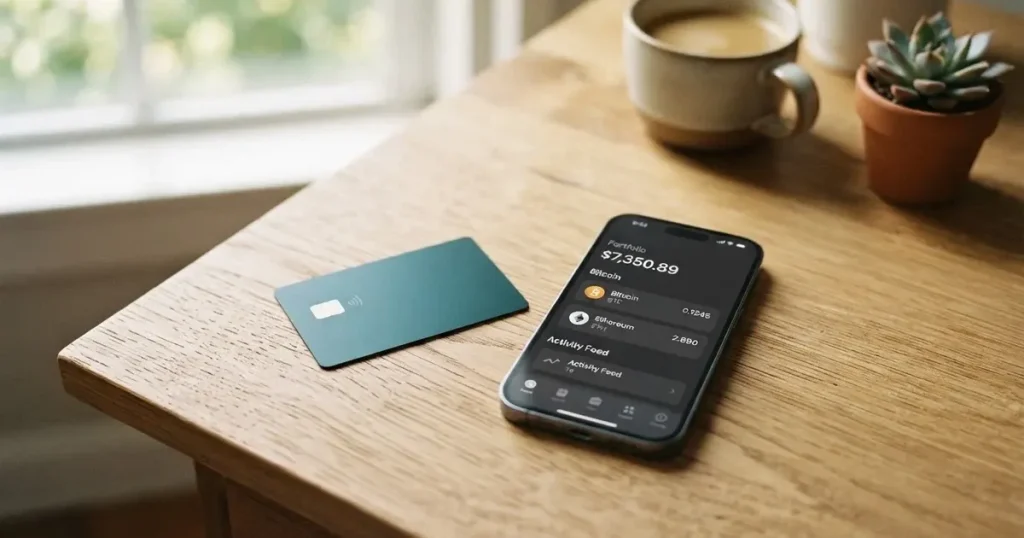
Scallop sits in a familiar corner of the crypto-card market: you hold digital assets, the app converts them to a card balance, and a virtual Visa does the spending. The interesting parts are what that balance can hold and how the pricing scales with three plans. The less interesting, but more important, parts are what the official pages leave unsaid: the card currency, FX mark-up, ATM access, Apple Pay and Google Pay support, dispute handling, and the company behind the programme. This review walks through who can actually get one, what it costs in practice, how top-ups work, and the alternatives if Scallop’s gaps matter to you.
The conditions described here are current as of October 28, 2026.
Verdict
I went through the official Scallop pages, lined up the three plans, and weighed the result against what is documented and what is not. Scallop earns 6.6 out of 10.
That score is not a knock against the product; it reflects the simple reality that some of the most basic things a cardholder asks about (currency, ATM, mobile wallets, dispute paths) are not stated on the documentation I could read. A user who is comfortable funding a virtual Visa from a multi-network crypto balance will find the fee ladder reasonable and the network coverage unusually wide. Anyone who needs a physical card, a public support track record, or a clearly disclosed FX mark-up will find the gaps uncomfortable.
| Criterion | Mark | Why I gave it that mark |
|---|---|---|
| Who can get it | 8 / 10 | Onboarding from “most countries that are not sanctioned by OFAC”; Russia, Belarus, Ukraine, Iran, North Korea, Cuba, Venezuela and the United Kingdom are explicitly off the list; high-risk countries (China, Turkey, Vietnam and similar) reviewed case by case. |
| Cost | 7 / 10 | Voyager is free to run with a $2 virtual card and a 1.50% conversion fee; Mariner is $14.99/month with a 0.75% conversion; Admiral is $49.99/month with a 0.40% conversion. The card FX mark-up is not stated. |
| Top-up options | 9 / 10 | The card pulls from the Scallop account balance, and that balance can be funded on Ethereum, Tron, Base, Solana, BSC, Bitcoin, XRP, Sui and others; minimum top-up $15. |
| Reliability and complaints | 5 / 10 | The company behind the programme is not named in the pages I read; no complaints surfaced; Trustpilot carries zero reviews and a “high-risk investments” warning; loaded card funds cannot be refunded, transferred or reversed. |
| Everyday use | 3 / 10 | Virtual Visa only, up to three active cards; Apple Pay, Google Pay and ATM support are not stated. |
Who it suits
Scallop works for you if you already have crypto on several networks and want one card balance you can top up from any of them without bridging yourself. The tiered pricing rewards larger average balances, so if you keep enough in the account to waive the monthly fee on Mariner or Admiral, the conversion fee drops to 0.75% or 0.40%. If you are happy with a virtual card for online and contactless spend, the absence of a physical card is a non-issue.
Who it does not suit
Scallop is not a fit if you need a physical card, an ATM line, mobile-wallet tokenisation, or a published FX mark-up. It is also not a fit if you need to be able to pull money back out: loaded card funds are stated to be non-refundable, non-transferable and non-reversible. If the company behind the card matters to your decision, the official pages do not name it, and the Trustpilot page carries no reviews at all.
Will they give you the card
Scallop’s onboarding statement is wide enough to cover most of the world, and narrow enough to matter. The official pages say the service is open to “most countries that are not sanctioned by OFAC”. The countries that are explicitly off the list, in the Prohibited Countries & Regions document, are Russia, Belarus, Ukraine, Iran, North Korea, Cuba, Venezuela and the United Kingdom. So even though the headline sounds permissive, the practical list is a real one.
Beyond that hard block, Scallop treats a separate group of countries as high-risk. China, Turkey and Vietnam are named as examples, and the rule is that users from those places are reviewed case by case. The case-by-case review is an extra questionnaire on top of the normal identity checks. The documentation does not say whether eligibility is decided by citizenship, by residence, or by both, and that ambiguity matters: if you are a citizen of one of the prohibited countries but resident elsewhere, the safe reading is to assume the worst.
The age rule is the one most people skim past. Scallop’s pages say “individuals over 65 years of age at the time of submission will not be accepted.” That is a hard line, not a soft review.
How to get it
The card itself is virtual only. Scallop says the card is a Visa and works “wherever VISA is accepted”. You can hold up to three active virtual cards at a time on the same account. A physical card is not offered in the pages I read, and delivery is therefore not stated, because there is nothing to deliver.
Identity verification (KYC) is the same set of steps you would expect from a regulated payments product, with two Scallop-specific wrinkles. For individuals outside the United States, the required documents are a passport or a national ID. For United States applicants, the pages say another ID plus a tax ID number (SSN/TIN) is accepted. The virtual card itself requires a valid passport, except for users from Hong Kong or China, who can be asked to upload a passport during the card application even if their original KYC did not include one.
Proof of address is not a routine requirement. It only comes into play if you present a government ID from a high-risk region while residing somewhere else, in which case a recent (under 90 days) address document is needed, with no PO boxes and no virtual-office addresses. That is consistent with the way high-risk-country reviews are handled elsewhere in the product.
Tier structure is not spelled out. The pages I read do not give the Tier 1, Tier 2 and Tier 3 definitions, only that HKD payin and payout is not available at Tier 1 or Tier 2, and that Tier 3 is for businesses. Processing time and rejection reasons are also not stated, so the only real feedback during signup is “approved” or “documents requested”.
Fees: what it really costs
The pricing model is the clearest part of Scallop. Three plans, each with a card-issuance cost, a monthly fee, and a conversion fee. The numbers below come straight from the official pricing.

| Fee or limit | Voyager (free plan) | Mariner | Admiral |
|---|---|---|---|
| First virtual card | $2 | Free | Free |
| Additional virtual cards | $2 each | $1 each | Free |
| Monthly fee | $0 | $14.99 (waived at $10,000 average fiat balance) | $49.99 (waived at $50,000 average fiat balance) |
| Swap / conversion fee | 1.50% | 0.75% | 0.40% |
| Card-load conversion rate | 1 USDT = 0.9975 USD (other rates shown in-app before confirmation) | Same | Same |
| Card foreign-exchange fee | Not stated | Not stated | Not stated |
| ATM access | Not stated | Not stated | Not stated |
| Top-up minimum | $15 | $15 | $15 |
| Auto top-up threshold | $20 minimum | $20 minimum | $20 minimum |
| Daily / monthly spend limits | Not stated | Not stated | Not stated |
| Cashback or rewards | Not stated | Not stated | Not stated |
The Mariner and Admiral monthly fees are waivable if you keep a stated average fiat balance in the account. That is a meaningful detail for anyone who holds cash on the platform anyway: $10,000 is the threshold for Mariner, $50,000 for Admiral, and at those levels the conversion fee is materially lower than Voyager’s 1.50%.
The card-load reference rate is also a detail worth pausing on. Scallop’s documentation pegs USDT to USD at “1 USDT = 0.9975 USD”, which means each dollar loaded onto the card from USDT costs 0.25 cents before the swap fee. Other rates are shown in the app before you confirm, but the published reference for USDT is a deliberate, and very small, haircut.
What is not disclosed is just as important. The card’s FX fee is not stated. The card currency is not stated. There is no published daily or monthly spend cap, and no ATM fee schedule, because ATM access itself is not confirmed. Tier 3 accounts may have “higher limits”, but no numbers are given. The card could simply apply Visa’s wholesale rate plus an unstated percentage; you would only find that out at the till or on the statement.
What three everyday payments look like
To make the table useful, here is how those fees land in three ordinary situations. The numbers are read directly off the pricing; the parts I do not know are marked as such.
- A $100 online subscription in US dollars, paid with USDT converted at Voyager. You pay the 1.50% swap fee ($1.50), and the card-load rate applies the small USDT/USD haircut ($0.25 on a $100 load). The card itself does not apply a stated FX fee because the merchant currency is USD. Total conversion cost: about $1.75 on a $100 spend.
- A €40 contactless coffee in Europe, paid with USDC converted at Mariner. The conversion is 0.75% (€0.30 on €40), and the unstated card FX mark-up applies on top of whatever Visa’s reference rate is at the time. The travel-rule gap here is the FX fee: you cannot know the total cost until you make the payment.
- A monthly spend of mixed size at Admiral. With the monthly fee waived by holding the $50,000 average fiat balance, the only recurring charge is the 0.40% conversion on whatever the card is loaded with, plus the unstated FX layer on non-USD merchants. That is competitive with mainstream crypto cards, but again only on the part Scallop actually publishes.
Top up: how to fund the card
The card does not accept an outside transfer directly. It draws from the balance already in your Scallop account. In practice, that means you first move crypto into the app, and then you load the card from the resulting balance (fiat or stable digital assets). The two steps are separate, and the second step has a minimum of $15.
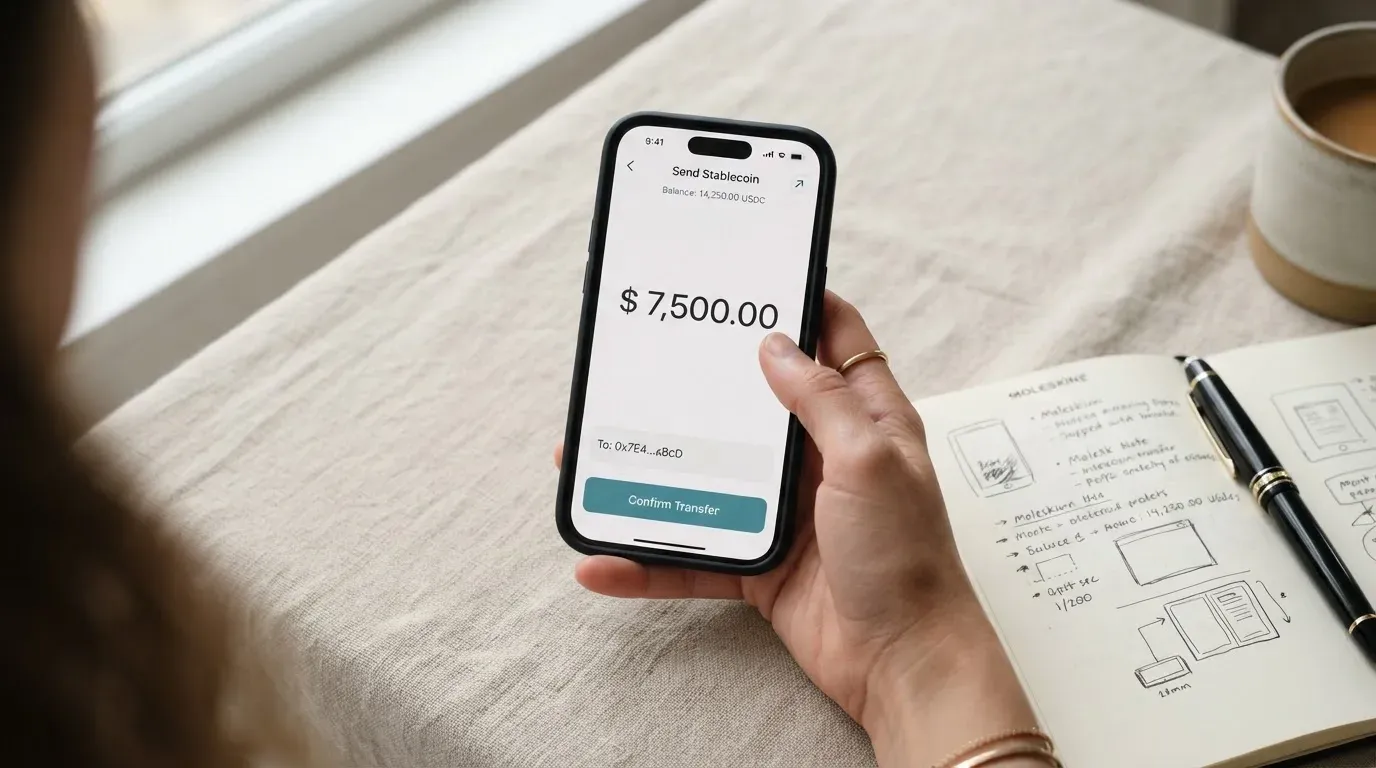
The list of supported assets and networks is one of Scallop’s real strengths. On Ethereum you can deposit ETH, USDT and USDC; on Tron, USDT and USDC; on Base, USDT and USDC; on Solana, the native SOL token plus SPL assets; on BSC, BEP-20 tokens; plus Bitcoin, XRP, Sui and a few others. The page does not explicitly say that every token listed is a deposit option (as opposed to a price-tracked asset you can swap into), so the safest reading is that the networks and major stablecoins above are the ones the app clearly supports for funding.
Auto top-up is available, with a threshold of at least $20. When the card balance dips below the threshold, Scallop pulls from the available account balance, fiat or stable digital asset, to top it back up. The funds that are loaded onto the card are reserved for card use, which is the standard prepaid behaviour: the card cannot overdraw, but the money stops being a freely movable account balance once it sits on the card.
The two parts that are not stated are the network fee and who pays it. On-chain transfers cost gas (or bandwidth and energy on Tron), and Scallop does not say whether it covers that on the deposit side or whether the user eats it. Likewise, there is no published top-up fee for the card load itself beyond the swap fee and the USDT/USD reference rate.
The hardest part of the funding story is the reversal side. Scallop’s pages say loaded card funds “cannot be withdrawn, transferred, or refunded”, and that virtual card loads “cannot be refunded, withdrawn, or reversed under any circumstances.” That means a card load is effectively a one-way door: once the money is on the card, it stays there until you spend it, and the only way to get it back is to ask support, with no guarantee and a possible extra fee, and a wait that “may take several days.”
Paying with it every day
Once the card is loaded, the spending side is straightforward and the gaps are the issue. The card is a virtual Visa, accepted anywhere Visa is taken online, and at contactless terminals when the wallet on your phone presents the virtual card details. The page does not say whether the card can be added to Apple Pay or Google Pay, so the safest assumption is that mobile-wallet tokenisation is not a documented feature until you test it. Cashback or rewards of any kind are not stated, so do not expect them.
Three virtual cards can be active at once. That is useful if you want to separate subscriptions, ad spend, and personal use, or to rotate a card if one starts behaving oddly at a particular merchant. Each card can be frozen and unfrozen in the app at any time, with real-time transaction monitoring visible to you. Instant block, permanent termination and user-set spending limits are all listed in the security section, so the app gives you the tools to limit a leak if one happens.
What the app does not give you is a chargeback path. Virtual card loads cannot be reversed, and the dispute process is described only as “support ticket, extra fee, not guaranteed, may take several days”. For a small one-off purchase that is fine; for a larger order from a merchant you have never used, the lack of a stated chargeback mechanism is something to factor in.
What can go wrong
The single largest risk on a Scallop card is the locked-in balance. Because loaded card funds cannot be withdrawn, transferred or reversed under any circumstances, any mistake or change of plan with the card itself is real money. A merchant overcharge, a fraud event, or a programme change that you do not agree with could leave the balance stranded on the card. Support is the only path back, with no guarantee and an extra fee, and a multi-day wait.
The second risk is the unstated layer. The card currency, FX fee, ATM access, Apple Pay and Google Pay support, daily and monthly limits, chargeback time frames, and the company behind the programme are all not stated in the pages I read. Some of these may be disclosed in the app or in the terms and conditions that the official pages link to, but they are not in the user-facing summary a prospective cardholder would read first. Trustpilot’s page for scallopx.com has zero reviews and a “This company may be associated with high-risk investments” warning, which is consistent with that lack of public track record.
The third risk is operational. Scallop’s pages describe safeguards (instant block/unblock, permanent termination, spending limits, real-time tracking, cards can be frozen at any time), and that list is the right shape. But the dispute path and the closed-loop nature of the loaded balance mean that in a real incident, the safeguard in practice is “contact support and hope”.
Finally, the regulatory frame around crypto cards generally still matters here. Crypto balances held by a custodian are not the same as funds in a bank account, and the safeguards that protect a bank deposit (deposit insurance, central-bank backstops) do not necessarily apply. The recovery rights you have as a cardholder are also different: in the US, debit reversals come from Regulation E and credit reversals from Regulation Z, but prepaid-card coverage varies, and the Scallop card is a prepaid product, so the strongest protections should not be assumed.
What to take instead
If any of the gaps above matter, the alternatives below are the most direct comparisons. Each score is taken from the same research, on the same scale.
International Visa Card
The International Visa Card is a US-issued Platinum Visa with a virtual card live and a physical card marked as “coming soon”. Its exclusion list is similar in shape to Scallop’s but different in detail: residents or legal registrants of Belarus, mainland China, North Korea, Cuba, India, Iraq, Iran, Israel, Myanmar, Nepal, Nicaragua, Russia, Syria, Turkey, Ukraine, Venezuela and Vietnam cannot have an account, and purchases are blocked in North Korea, Cuba, Iran, Russia, Syria, Ukraine and Venezuela. FATF grey-list countries are reviewed case by case. Importantly, the rule is by residence or registration, not by citizenship, which is a more permissive default.
Pricing is structured as plans (Classic free, Pro $9.00/month, Max $19.00/month), with a $5 one-time virtual card issuance fee and no maintenance fee. Card use in USD is free on all plans; foreign currency costs “Visa exchange rate + 2% FX fee”. The FX mark-up is the headline difference from Scallop: it is stated, so you can price a foreign-currency purchase in advance. There is no cashback.
Top-up is by USDC or USDT into the USD account at 1:1, plus USD, EUR, SEPA, SWIFT and FedNow deposits, with no fee on deposits of any kind. Overall score: 6.7/10.
UNi Card
UNi Card is a multicurrency Mastercard that spends from a UNi.Global account balance, with no annual fee and no foreign transaction fee. Assets are converted at “live OTC (Over-the-Counter) rates”, with “no hidden exchange fees”. The headline differentiator is the reward rate: “Spend-to-Earn rewards” up to 3% with UNi Card. Country availability, funding options, and physical or virtual card type are not stated. If the 3% return is meaningful for your spending pattern, that is the trade-off UNi is offering. Overall score: 6.1/10.
Whop Cards
Whop Cards run on Visa, work anywhere Visa is accepted online and in stores, and are aimed at the platform’s merchant and creator base as well as consumers. Consumer availability is 31 US states (a specific state list, including California, Texas, New York, Florida, Illinois, Pennsylvania and others); business availability is 41 states. Unsupported consumer countries include Belarus, mainland China, Cuba, Hong Kong, India, Iran, Iraq, Israel, Myanmar, Nepal, Nicaragua, North Korea, Russia, Syria, Turkey, Ukraine, Venezuela and Vietnam. The basis (citizenship or residence) is not stated.
Pricing is “no extra fees” with no issuance or monthly amounts listed, and no published conversion or FX fees. Funding is from a Whop balance (pending balance usable as soon as a payment arrives; standard withdrawals use settled funds), and the cards are backed by stablecoin collateral from a linked wallet. The reward is 5% cashback at select merchants, currently Uber, with more planned. The flip side is the geographic restriction: this is, in practice, a US product with a long state-by-state list. Overall score: 5.2/10.
Who I would recommend it to
If you are a multi-network crypto user with $10,000 or more in stablecoin balance and you primarily need a virtual Visa for online and contactless spend, Scallop is worth a serious look. The fee ladder is competitive: Mariner at 0.75% with the monthly fee waived, or Admiral at 0.40% at the higher balance, both undercut most general-purpose crypto cards once you account for the unstated FX gap. The token coverage (USDT and USDC across Ethereum, Tron, Base, BSC, plus SOL, BTC, XRP, Sui) means you can fund from whichever network you already use, without bridging first.
If you are a casual crypto user who only needs to spend the occasional $50, Voyager’s free plan and 1.50% conversion is fine, but the unstated FX mark-up and the absence of mobile-wallet support will start to bite as soon as you travel or use the card at a non-USD merchant. In that case, a card with a published FX fee (such as the International Visa Card’s “Visa exchange rate + 2%”) is easier to plan around, even if the headline conversion rate is higher.
If you need a physical card, ATM access, public chargeback rights, or a clearly named issuer with a public support record, none of the alternatives above is a perfect substitute, and Scallop is not a fit at all. The right move in that situation is to look at mainstream crypto cards with disclosed issuers, transparent fee tables, and physical card options, and to accept that the conversion fee will likely be higher.
Frequently asked questions
What is the Scallop card?
The Scallop card is a virtual Visa linked to a balance inside the Scallop app. You fund the balance with crypto from several networks, convert it to a spendable balance, and the card draws on that balance wherever Visa is accepted. Up to three virtual cards can be active at a time; no physical card is offered.
How does the Scallop card work?
You complete KYC, open a Scallop account, deposit supported crypto on a supported network, swap into the balance you want, and load at least $15 onto the virtual card. At payment time, the card draws on that loaded balance. Loaded funds are reserved for card use and cannot be moved back to the account.
Is Scallop a bank?
Scallop is not described as a bank on the pages I read. The card balance is a prepaid, app-based balance, not a bank account, and it does not carry the protections (such as deposit insurance) that come with a regulated bank account in many jurisdictions.
Who owns Scallop?
The company behind the Scallop card is not named on the documentation pages I read. The Trustpilot page for the related domain has no reviews and carries a “high-risk investments” warning, so a prospective user should look for the issuer name in the in-app terms before signing up.
Is the Scallop card available in my country?
Scallop says it can onboard customers from “most countries that are not sanctioned by OFAC”. The Prohibited Countries & Regions list explicitly excludes Russia, Belarus, Ukraine, Iran, North Korea, Cuba, Venezuela and the United Kingdom. High-risk countries such as China, Turkey and Vietnam are reviewed case by case. The pages do not say whether the test is by citizenship or by residence.
How do I apply for the Scallop card?
Sign up in the Scallop app, complete KYC with a passport (or a national ID outside the US, or another ID plus an SSN/TIN in the US), pass any high-risk-country review if relevant, and apply for the virtual card. A valid passport is required for the card itself except for users from Hong Kong or China, who can be asked to upload a passport during the card step.
Does the Scallop card require KYC?
Yes. Standard individual KYC requires a passport or national ID outside the US, or another ID plus a tax ID number (SSN/TIN) in the US. Proof of address is only needed if a high-risk-region ID is presented with a different residence. Individuals over 65 are not accepted at the time of submission.
How do I top up the Scallop card?
Deposit supported crypto (USDT, USDC, ETH, SOL, BTC, XRP, SUI and others) to your Scallop account on a supported network, swap into the balance you want, and load at least $15 onto the card. Auto top-up can be set with a threshold of at least $20, paid from the available balance. The page does not state who pays the on-chain network fee.
Can I withdraw money from the Scallop card back to my account?
No, not in the normal flow. Scallop states that loaded card funds “cannot be withdrawn, transferred, or refunded” and that virtual card loads “cannot be refunded, withdrawn, or reversed under any circumstances”. Support is the only path, with no guarantee, an extra fee, and a wait that may take several days.
Is the Scallop card worth it?
It depends on your use case. If you keep a meaningful balance across multiple networks and want a low-conversion-fee virtual Visa, Scallop is competitive at Mariner (0.75% with the fee waived at $10,000) and Admiral (0.40% at $50,000). If you need a physical card, ATM access, mobile-wallet tokenisation, or a published FX mark-up, the gaps in the documentation make it harder to recommend.
Choosing an app or neobank card – cryptocardadvisor
Content created by the «cryptocardadvisor» team